File Management
89
5. Edit Recording File
You can edit the recording file whilst you play a recording file on the
FILE PLAY menu.
Please activate the progress bar with the
OK
button. Place the anchor
mark at the start position and press the
YELLOW
button. A new anchor
mark with “A” will indicates the start position. Move the anchor mark at
the end position and press the
BLUE
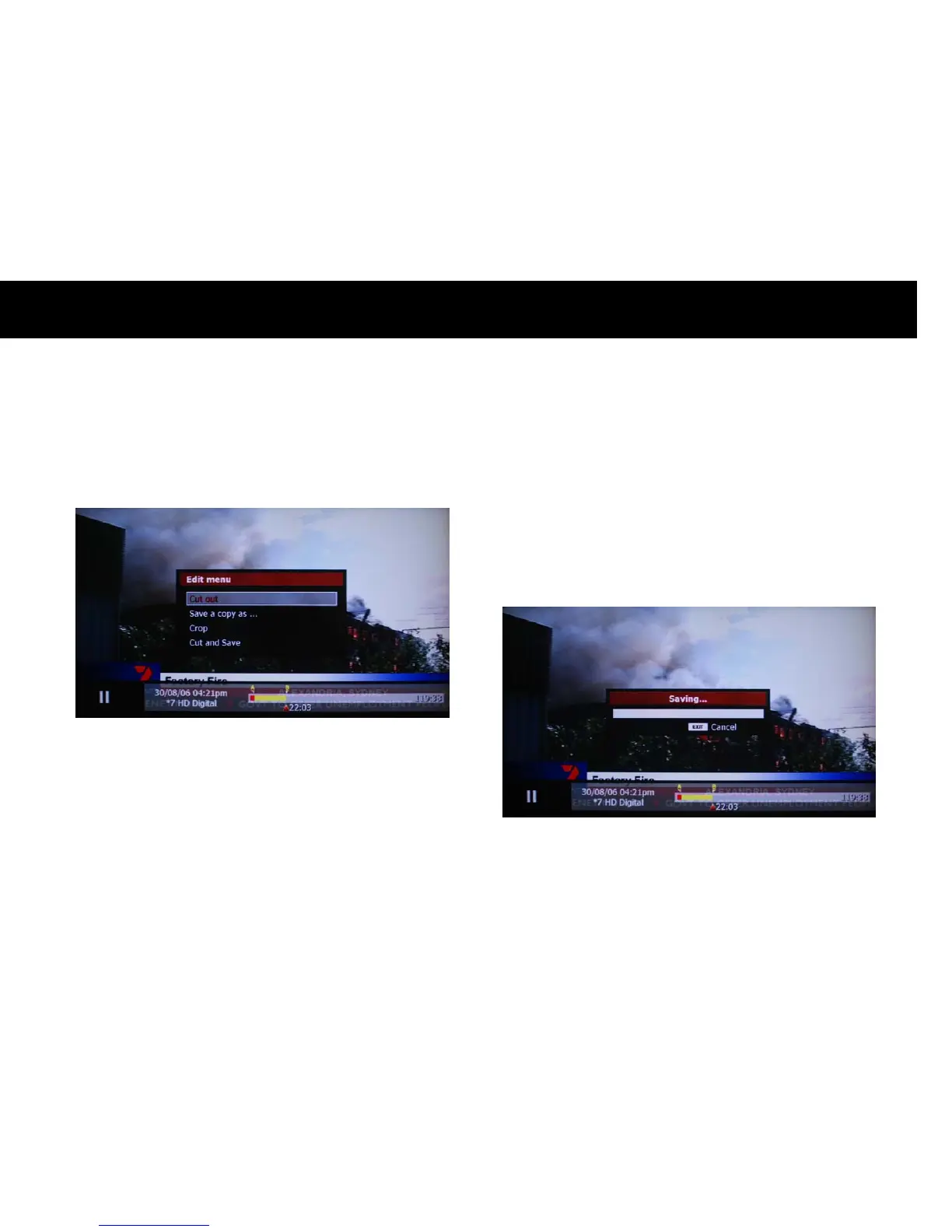
button. A pop-up menu will be
displayed.
z
Cut out: you can cut and delete the selected part.
z
Save a copy as: you can make a copy for the selected part.
z
Crop: you can cut and delete the unselected part.
z
Cut and Save: you can cut out the selected part from the original file
and make a new file with the selected part.
A progress bar indicates the status.



 To Next Page