Quick Setup
26
2-2.
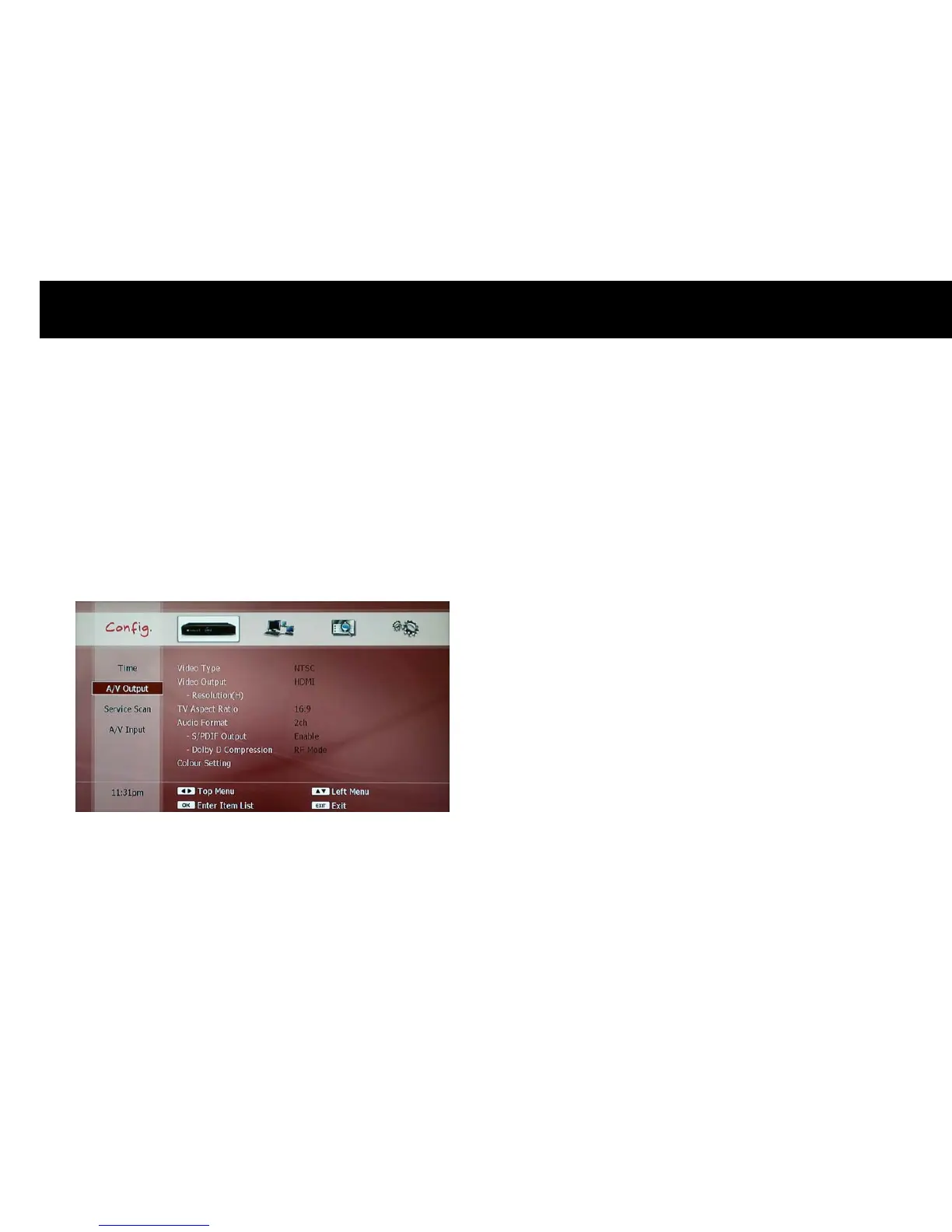
A/V Output Setting
You have to set the video and audio configuration according to your TV
set. Please make sure the video and audio port of the DP-P2 is
connected to your TV set.
The A/V Output menu consists of two parts; the video output and the
audio output. You can change the configuration of the video and audio
outputs with pop-up menu. Please press the
OK
button to get a pop-up
menu for each item.
1) Video Outputs
z
Video Type: You can select either PAL for NTSC format. Most TV sets
support the PAL format in Australia.
z
Video Output: Please select one option in the list according to the way
to connect the DP-P2 to your TV set.
z
Resolution: If you select the HDMI or Component for Video output,
you have to set the resolution.
z
TV Aspect Ration: Please select either 4:3 or 16:9 according to your
TV screen ratio.
NOTE
z
The component video output supports SD (576i for PAL and 480i for
NTSC), 480p, 576p, 720p and 1080i.
z
If you set the video output resolution as HD (more than 576p), the
composite and S-Video outputs will be disabled automatically.
z
Please note that your TV set can not display anything if you set the
resolution of the video outputs higher than the maximum resolution
that your TV set can accept.
z
The HDMI outputs the audio in digital format as well.



 To Next Page