Advanced Setup
107
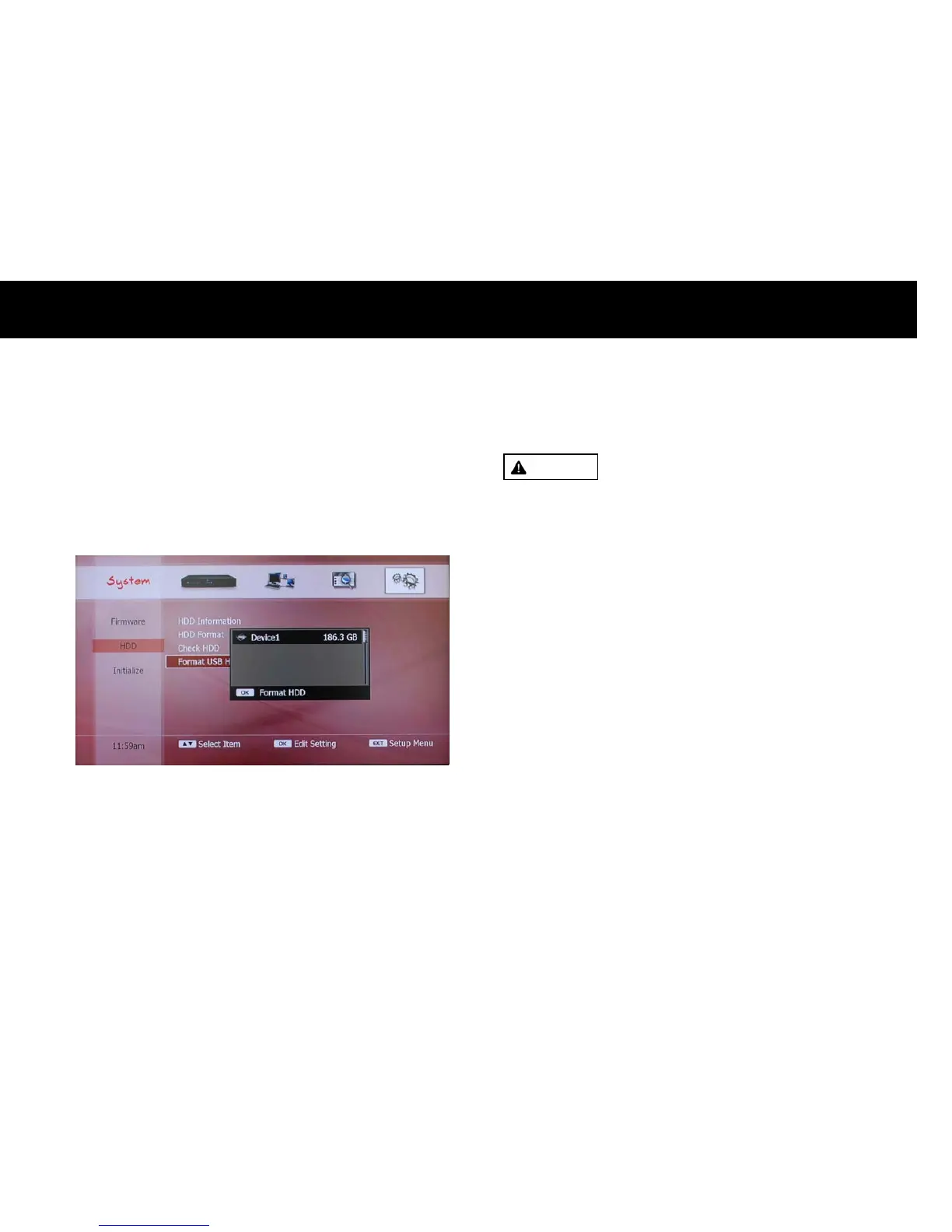
4) Format USB Storage
In order to copy the recording files to a USB storage device, it should be
formatted first. Please select “Format USB HDD” menu with the
OK
button. A list of USB storage devices will be displayed. Please press the
OK
button to format the selected one. It takes several minutes to
format.
WARNING
z
If you format the USB storage device, all the data stored in the USB
storage device will be erased.
NOTE
z
Even though the USB storage device is formatted with a PC, it should
be re-formatted with the DP-P2.
z
If you don’t want to use the USB storage device as a backup device
and you just want to play the multimedia files in the USB storage
device, you don’t have to format it with the DP-P2.



 To Next Page