File Playback Function
71
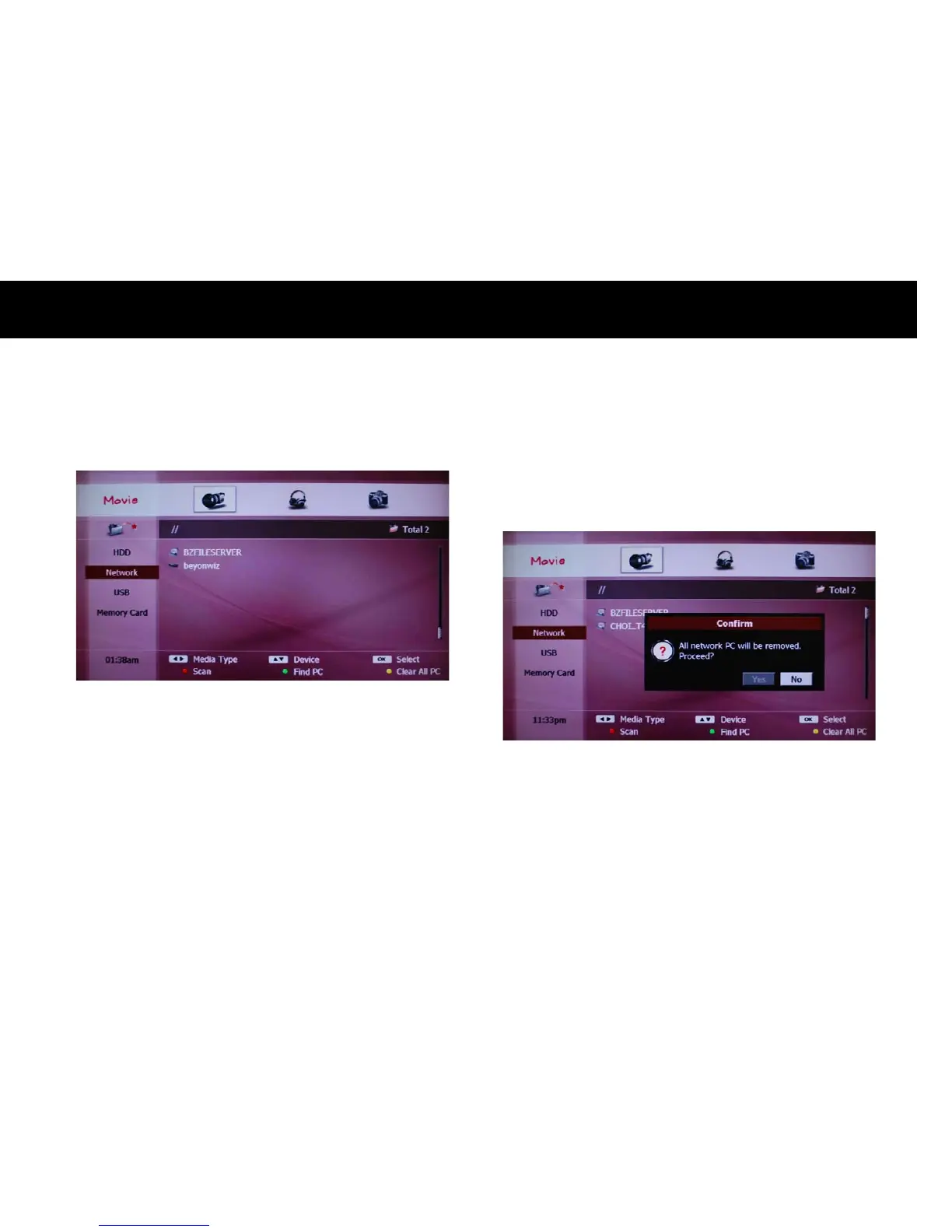
The “PC” icon indicates the PC and the “STB” icon indicates the
WizPNP server.
z
USB: You can access any USB devices connected to the DP-P2 by
selecting “USB” icon on the left menu. If there is more than one USB
devices, all the devices will be listed on the screen.
z
Memory Card: If you insert a memory card to the DP-P2, you can
access to it with this icon.
The top icon on the left menu implies a play-list where you can put files
temporarily as your preference. You can organize one play list per each
content type; movie, music and photo. This will be explained in greater
detail in the following section.
NOTE
z
If there is no device listed on the screen after scanning, please check
the network connection and make sure its set and configured properly.
z
If you want to clear the list of network devices, Please press the
YELLOW
button.
z
The USB device must be compatible with the USB 2.0 standard.



 To Next Page