File Playback Function
81
3) Play from play-list
You can play files in the play-list by pressing the
OK
or
PLAY
button. If
you change to the previous or next file in the play-list, press the
PREV
or
NEXT
button.
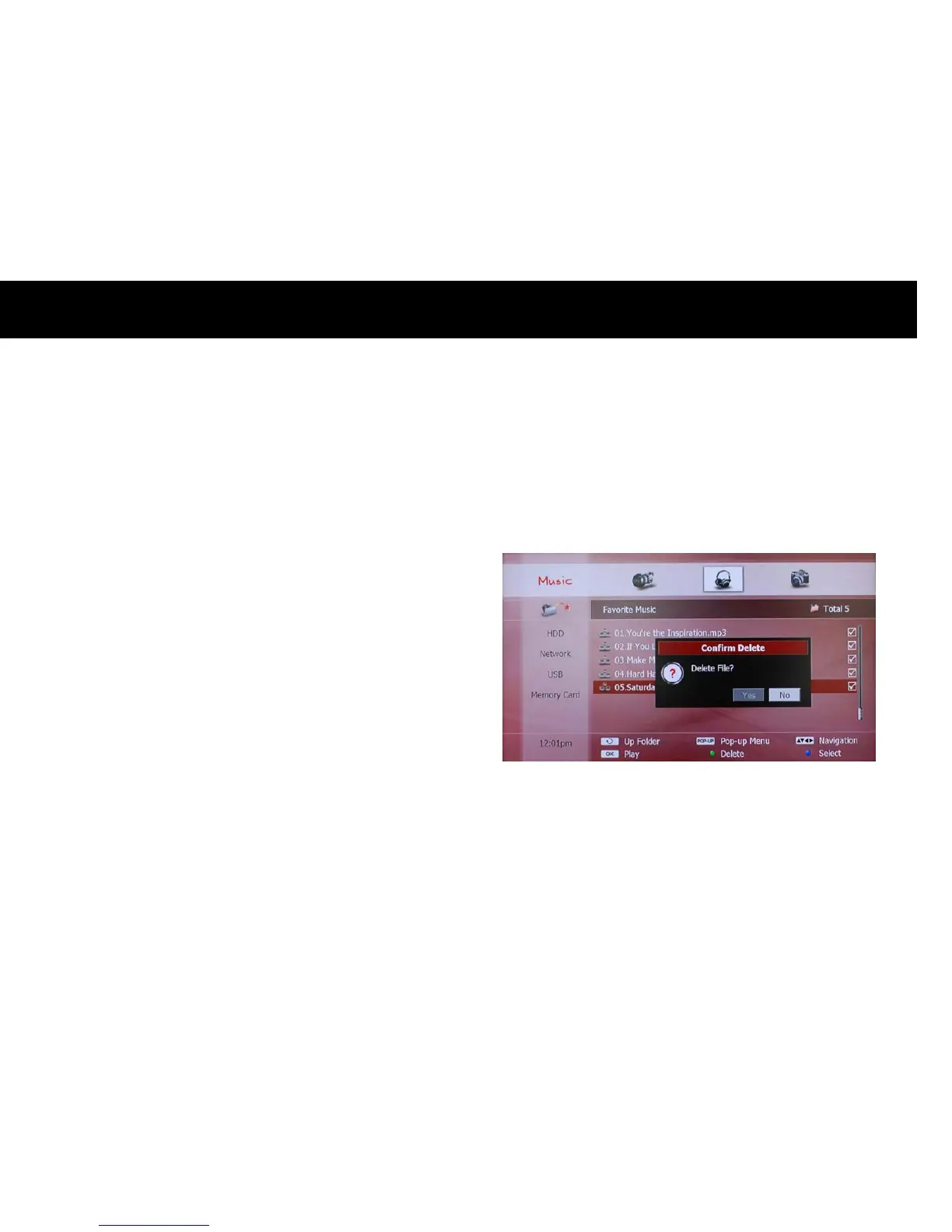
4) Remove File from Play-list
You can remove a file from the play-list with the
YELLOW
button the
same way as adding a file to a play-list. Select the “PLAY-LIST” icon on
the left menu and choose a file which you want to remove from the
play-list. You can also use the
BLUE
button to remove more than one
file at once.



 To Next Page