File Management
86
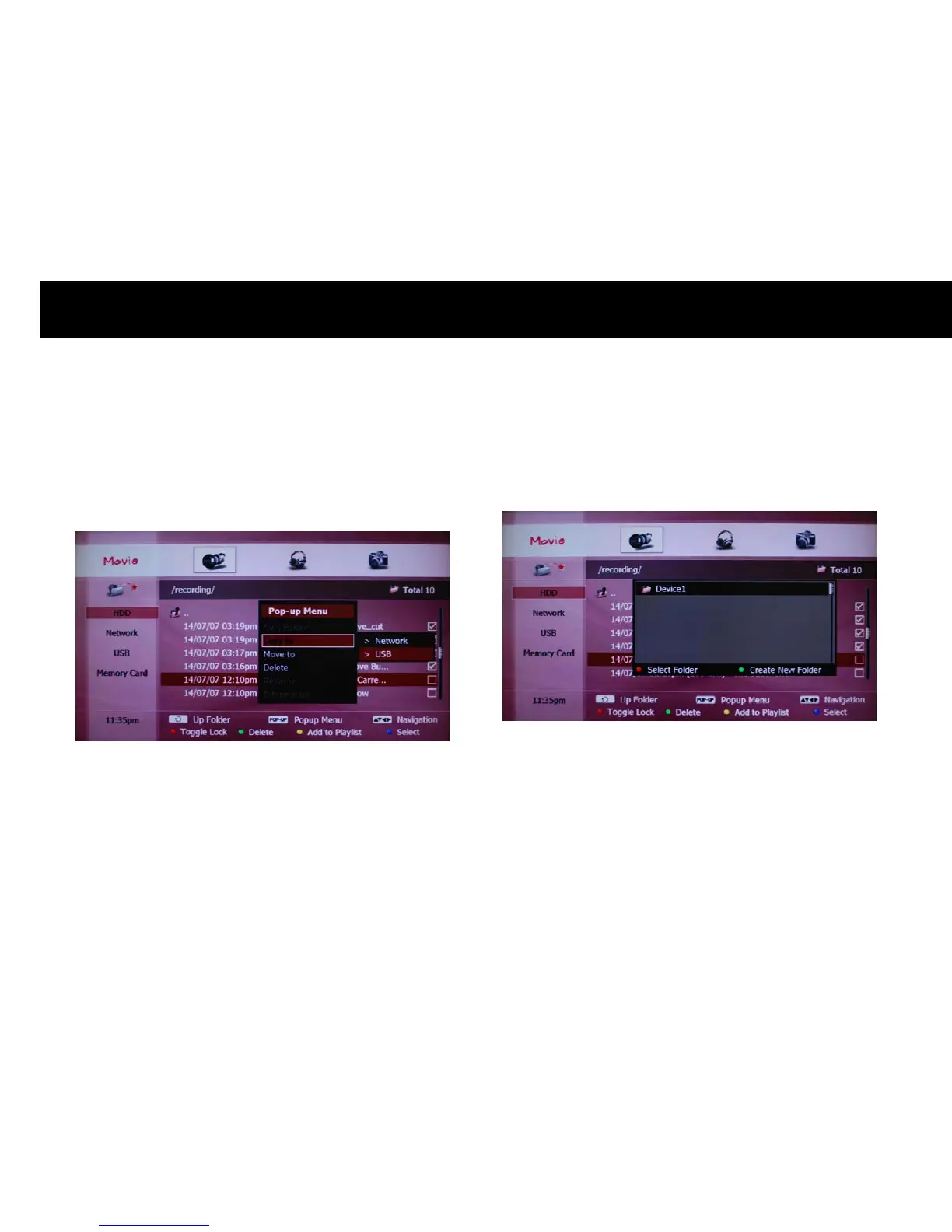
If you confirm, two options will be displayed. Please select “USB” with
the
OK
button. The USB storage devices connected to the DP-P2 will be
listed. Please select “USB” with the
OK
button.
The USB storage devices connected to the DP-P2 will be listed. Please
select one with the
OK
button.
NOTE
z
If you want to create a new folder, please press the
GREEN
button.



 To Next Page