42
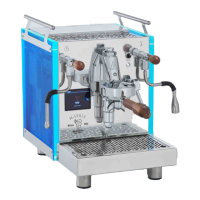
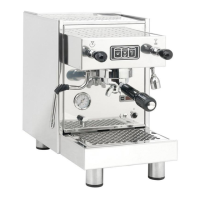
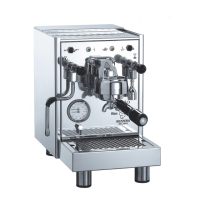
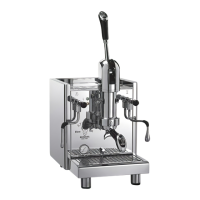
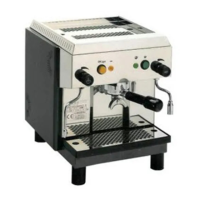
MOD. BEZZERA MODA PM – DE – DE+D – DE+D+M
6.5 Correct disposal of the product
(electric and electronic waste)
(Applicable in the countries of the European Un-
ion and in those with waste sorting systems)
The label affixed on the product and on the
documents indicates that the product must
be disposed of with other domestic waste at
the end of its life cycle.
To avoid any dam-
ages to the environment or health caused by im-
proper waste disposal, the user must separate this
product from other types of waste and recycle it
responsibly to promote the sustainable reuse of
material resources.
Domestic users should contact the reseller from
whom they purchased the product or the relevant
office in their area to obtain all information about
waste sorting and recycling of this type of product.
Corporate users should contact their supplier to
check the terms and conditions of the purchase
agreement.
This product must not be disposed of with other
industrial waste.
A - Upon initial ignition or after a
prolonged period of inactivity of the
machine (approximately 7 days)
1) Machine power-on, boiler water supply and
heating as described in sections 5.1 and 5.2
in the machine instruction manual.
2) Wait 12 hours.
3) Dispense for at least 30 seconds with the fil-
ter holder connected but without any coffee to
flush the water in the exchanger.
4) Switch off the machine and completely drain
the water from the boiler by operating the wa-
ter and steam tap into a heat-resistant contain-
er with a capacity of at least 1 litre.
B - After a stop of at least 4 hours
1) Dispense water from the respective tap for 5
seconds.
2) Dispense with the filter-holder connected but
without coffee for at least 15 seconds.
6.4 Maintenance and filter change
The MODA espresso coffee machine allows an
automatic reminder to be set, alerting the user
that routine maintenance is required and/or that
the water filter (not supplied with the machine)
must be replaced or regenerated.
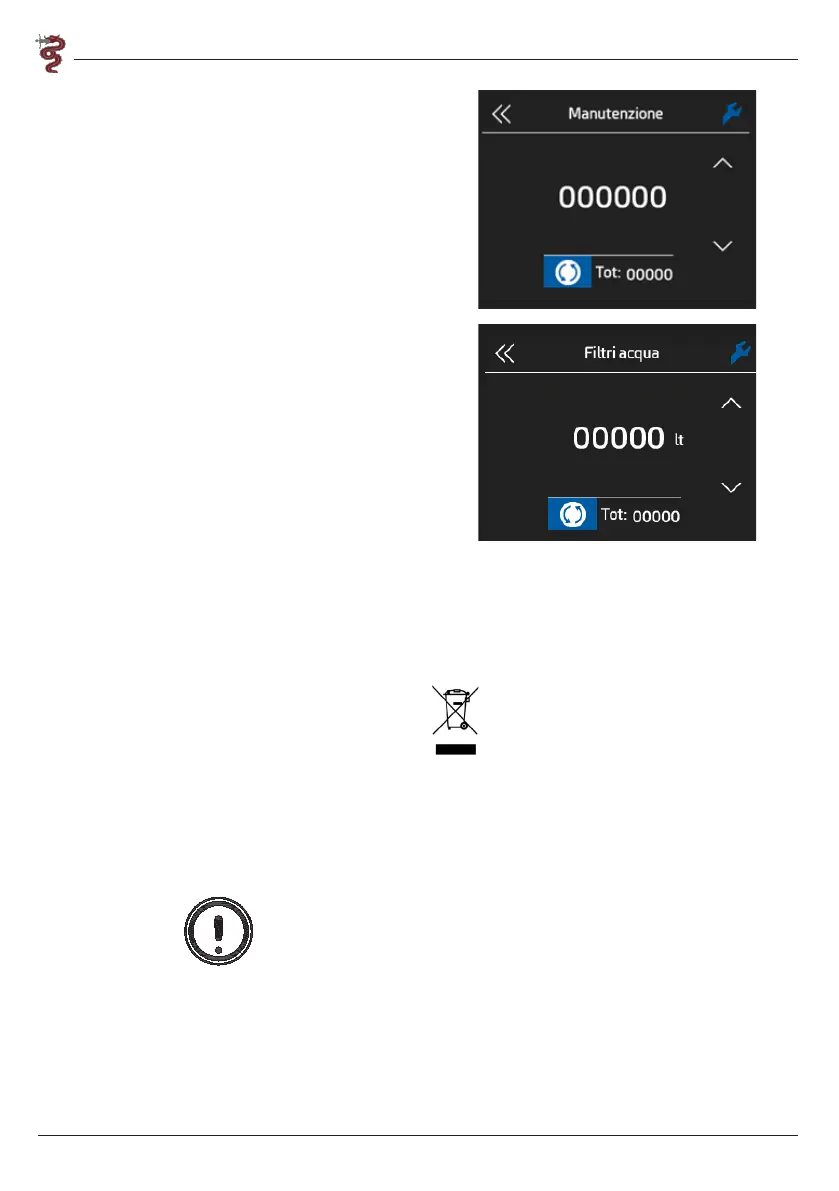
To set up these counters proceed as follows:
1) Open the drop-down menu
2) Open the settings
3) Scroll with the side arrows until reaching
“maintenance” or “water filters”
4) Tap the relative icon
5) Set the number of dispensings or litres desired
to activate the prompt
Warning:
To disable the prompts, set them to zero.


 To Next Page