BigRep ONE 2 Safety
55
Restarting Aer an Emergency Stop
Ensure the printer’s operational readiness and particularly make sure that there
are no potential hazards for people.
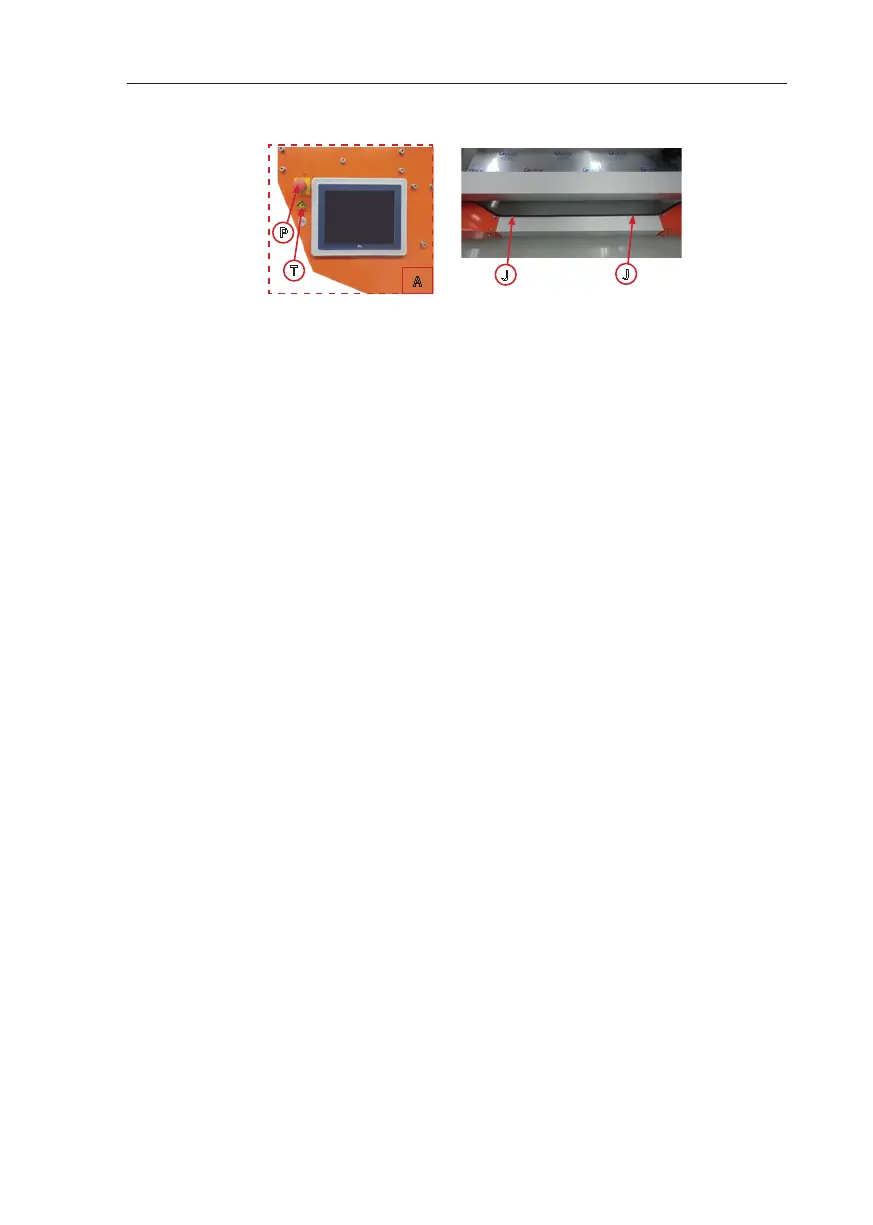
To start the machine aer an activated emergency stop, unlock the emergency
stop button by pulling it out. Then press Reset (T).
To start the machine aer having activated the safety edge, press Reset (T).
In both cases the printer has to be restarted.
2.3. Disposal
It is recommended that the disposal of the printer is performed by a specialist
disposal company. The regulations for waste disposal of the country in which the
printer is used in apply at the time of disposal. Users are obliged to comply with
waste disposal regulations.
Environmental Protection
Please follow the manufacturer’s specifications for the disposal of filament.
P
J
J
A
T
Fig. 2-1: Control Panel with emergency stop (le)
Safety Edge (right)



 To Next Page