BigRep ONE 6 Operation and Control
73
› Log in if necessary
› Connect if necessary
› Click on Connect button, in drop down menu on the top right corner of the
screen and confirm.
Standard Operation
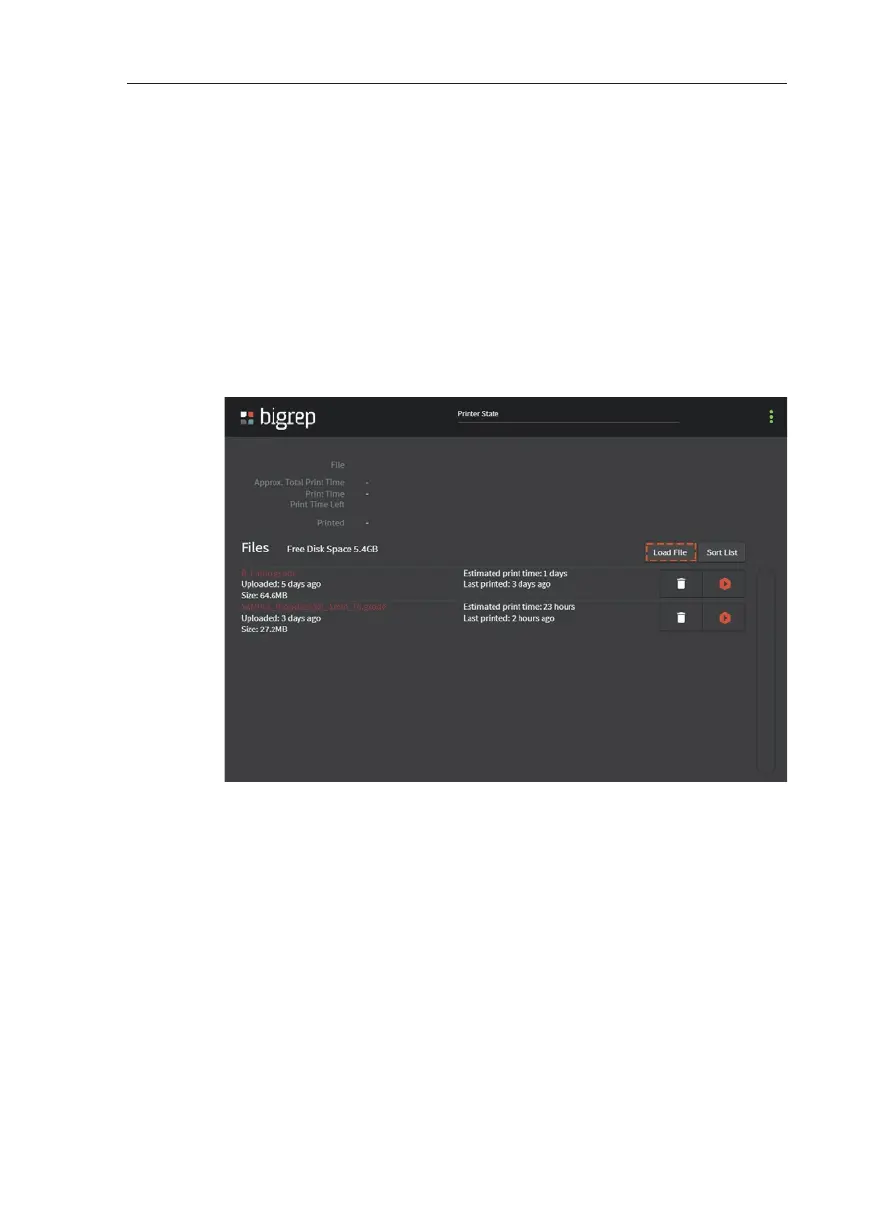
Load Object
› Open the Print Menu
› Connect the USB storage device with the G-Code to the printer
› Select Load File and chose the file you would like to print. Click on Open
› Now it is possible to remove the USB stick
Initiating the Printing Process
› Go to the Temperature Menu and heat up the bed and the extruders
& Chap. 5 Interface
› Check if the required filament has been loaded. Change filament if neces-
sary. & Chap. 7.1 Change Filament
› Go to the Print Menu and click on the Start Print button of the G-Code to
be printed.
› Please ensure that the printing process initiates correctly.
Canceling / Pausing the Printing Process
› A visual signal on the UI notifies you when the print is completed.



 To Next Page