109
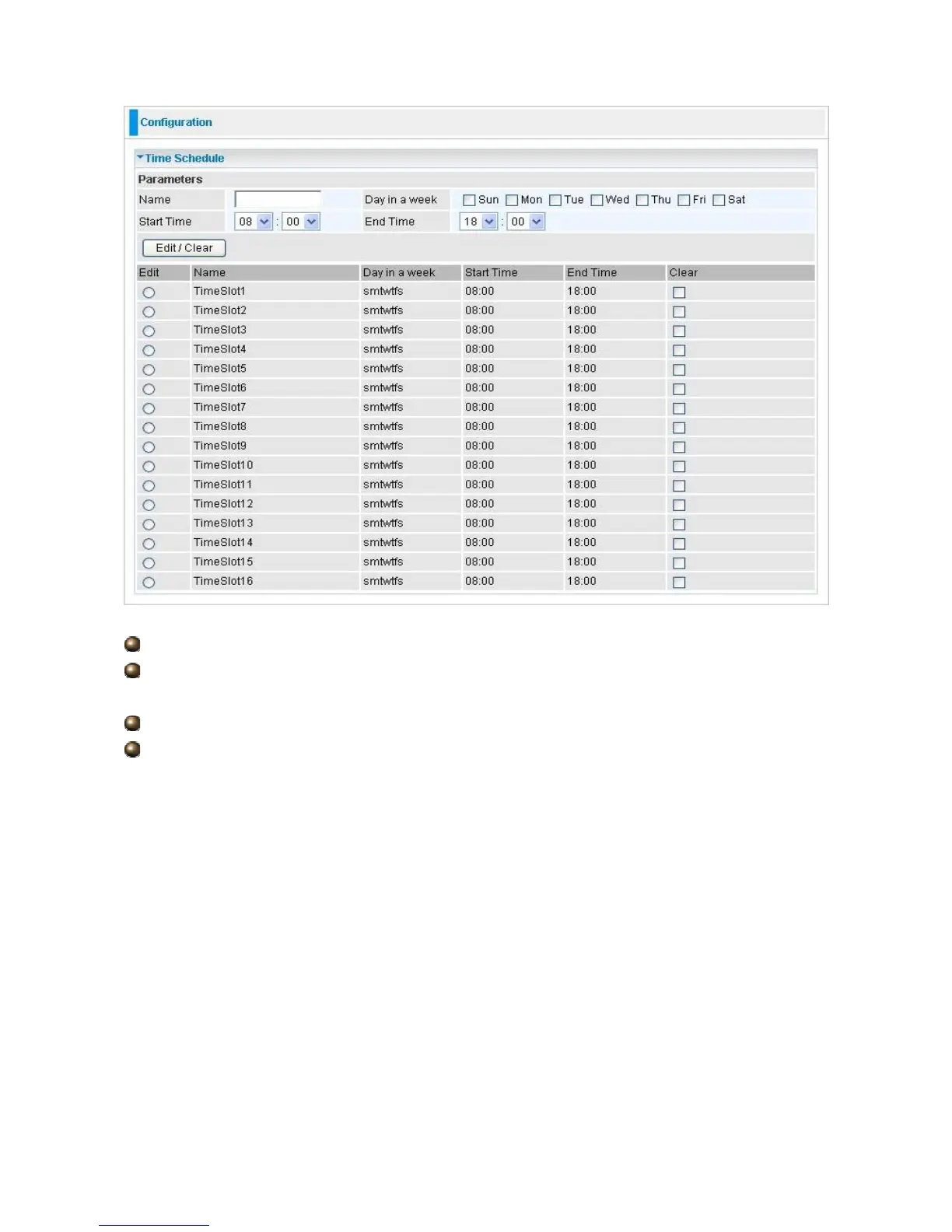
Name: A user-define description to identify this time portfolio.
Day in a week: The default is set from Sunday through Saturday. You may specify the
days for the schedule to be applied.
Start Time: The default is set at 8:00 AM. You may specify the start time of the schedule.
End Time: The default is set at 18:00 (6:00PM). You may specify the end time of the
schedule. Select the Apply button to apply your changes.













 To Next Page