28
Chapter 4
Basic Configuration
Once you have logged on to your BiPAC 7300(N) Router via your web browser, you can
begin to set it up according to your requirements. On the configuration homepage, the left
navigation pane links you directly to the setup pages, which include:
Advanced (Switch to Advanced Configuration mode)
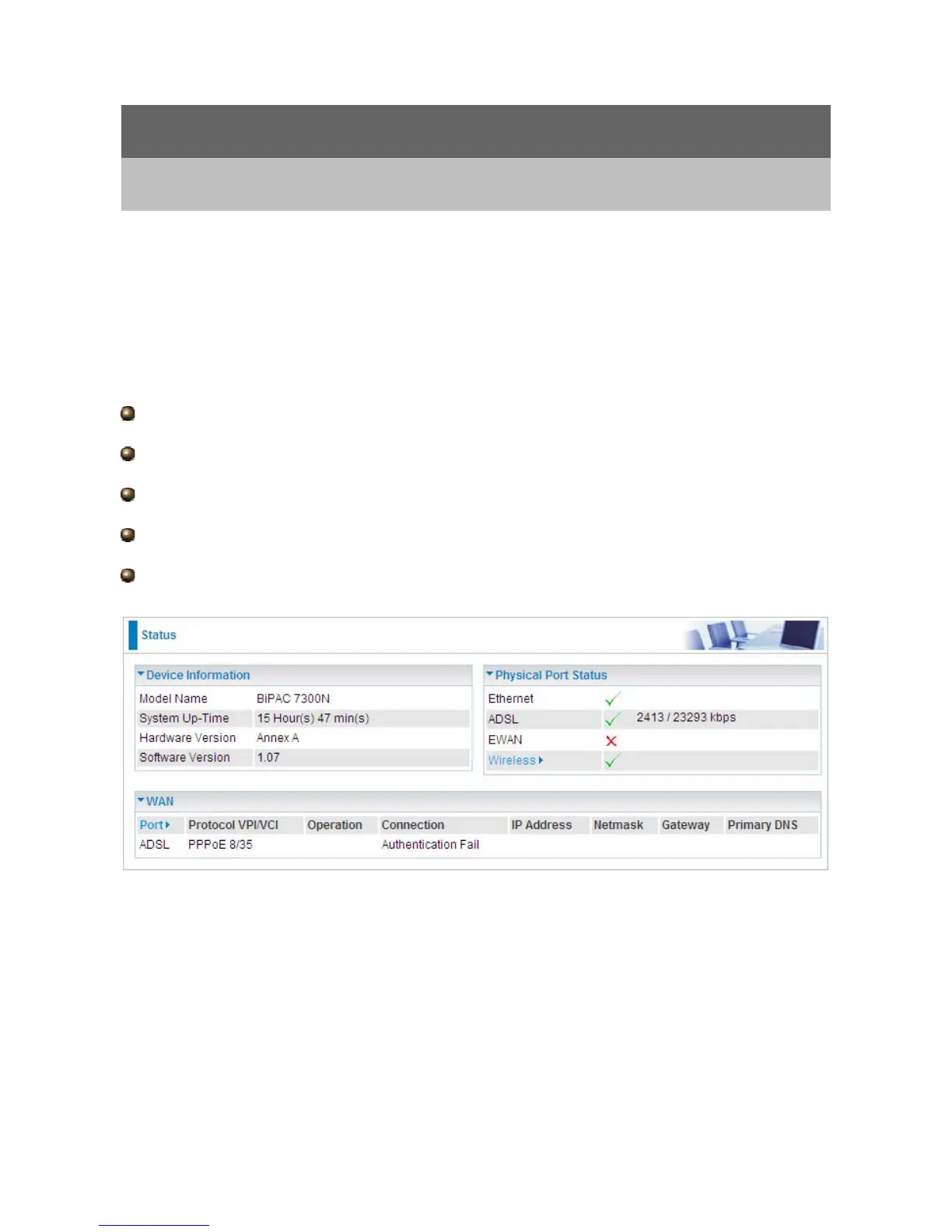
Status
Quick Start
WAN
WLAN (Only available for 7300N)













 To Next Page