24
3.5 Configuring with your BiPAC 7300(N)
Easy Sign On
After setting up the router with appropriate cables plugged, proceed to load the internet
browser to surf Internet, the EZSO WEB GUI will be popped up and request you to input
some basic information you get from ISP. After this, you can surf Internet right away.
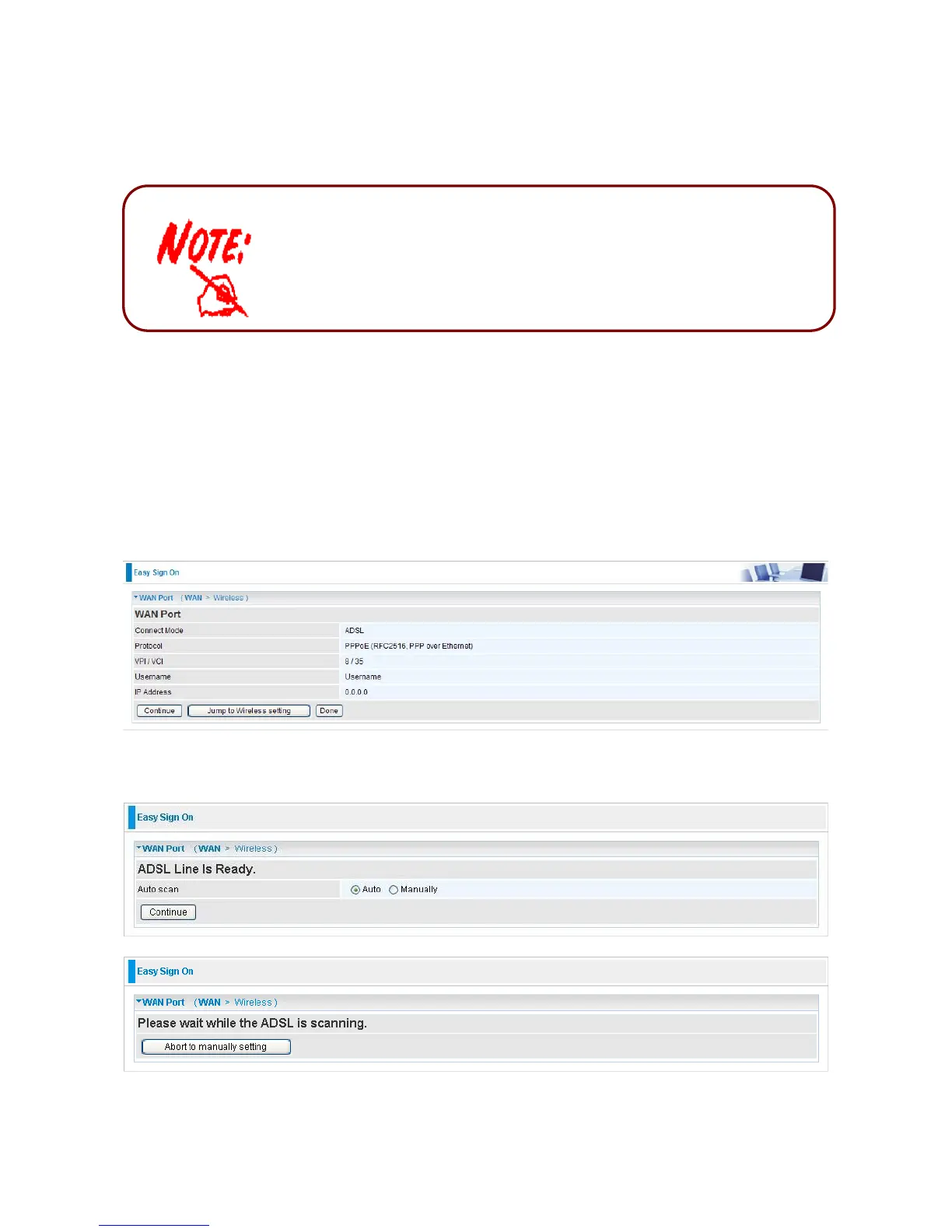
Follow the Easy Sign-On configuration wizard and it will guide you to complete the basic
network configuration.
1. Click continue.
2. Choose “Auto” or “Manually” to scan ADSL information.
1. To configure this device, you must have IE 5.0 / Netscape 4.5 or
above installed
2. You may configure the router for Internet access in two ways:













 To Next Page