125
5.4 Save Configuration to Flash
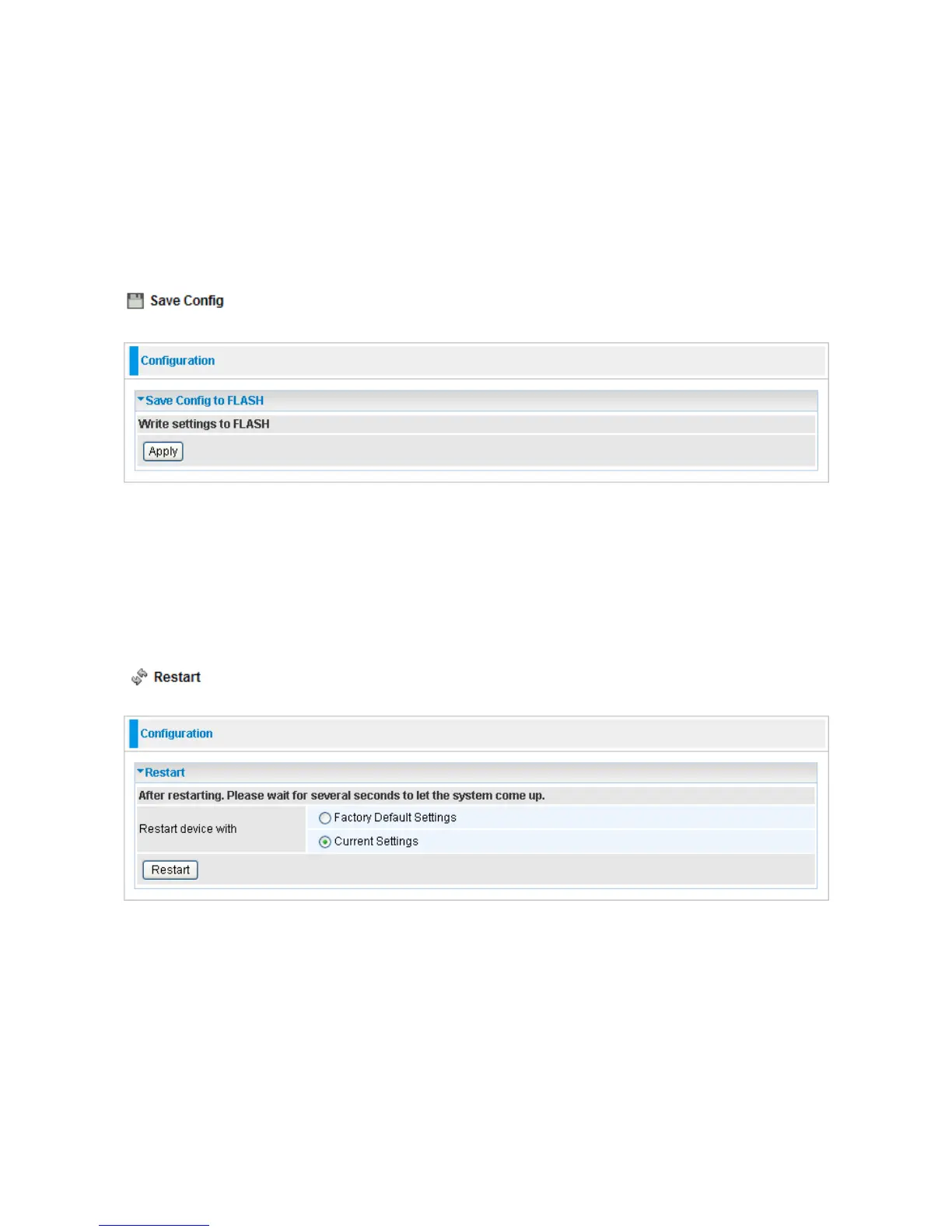
After changing the router’s configuration settings, you must save all of the configuration
parameters to FLASH to avoid losing them after turning off or resetting your router. Click
“Save Config“ and click “Apply” to write your new configuration to FLASH.
5.5 Restart
Click Restart with option Current Settings to reboot your router (and restore your last
saved configuration).
If you wish to restart the router using the factory default settings (for example, after a
firmware upgrade or if you have saved an incorrect configuration), select Factory Default
Settings to reset to factory default settings.













 To Next Page