46
5.2 Quick Start
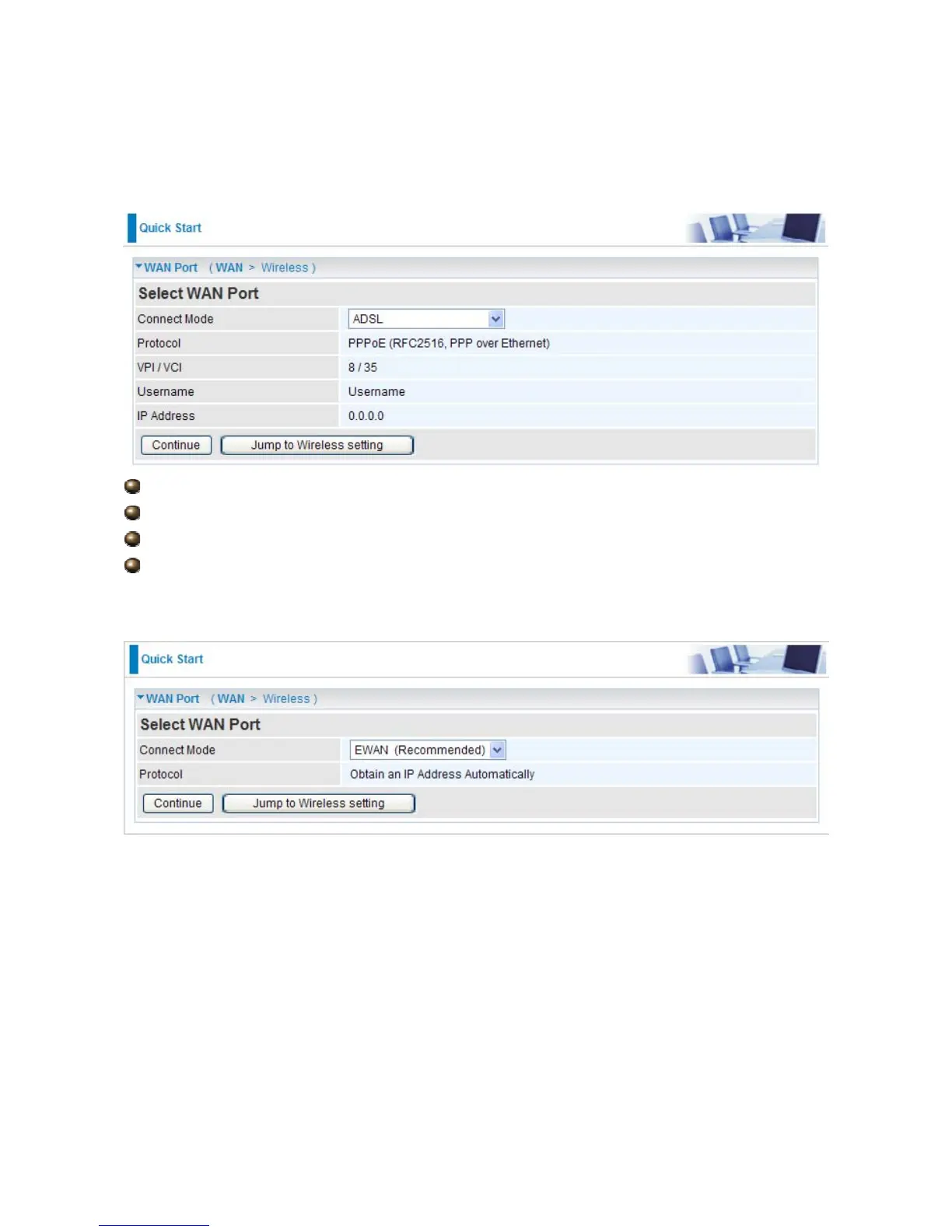
ADSL
Connect mode: ADSL
Protocol: The current ATM protocol in the device
VPI / VCI: The current value of VPI / VCI in the device
IP address: To show current value of IP address in the device.
EWAN
Click on Continue to choose the Protocol to connect with EWAN or click Jump to Wireless
Setting to use Protocol: Obtain an IP Address Automatically to connect and setup wireless
settings at the same time.













 To Next Page