27
Web Configuration
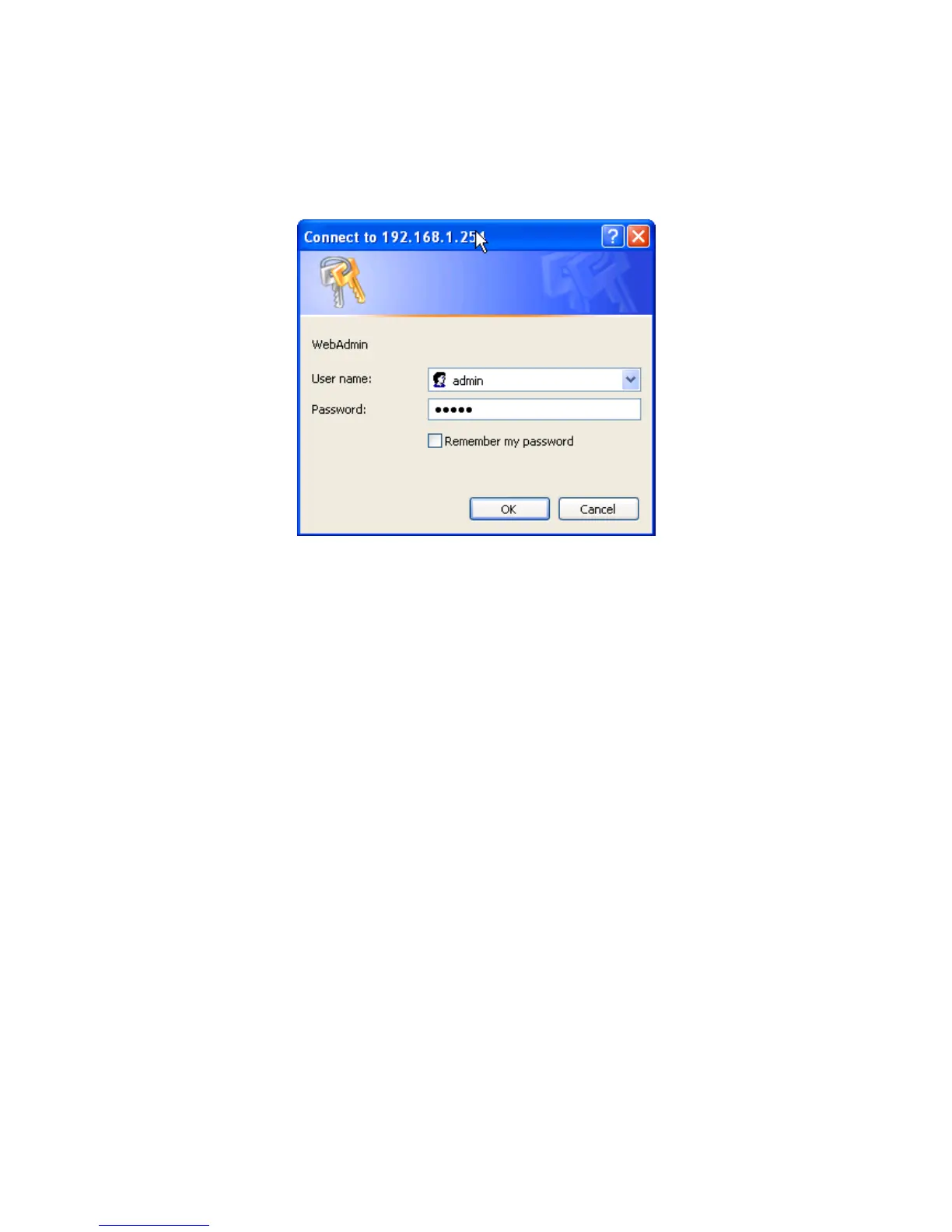
Open your web browser, enter the IP address of your router, which by default is
192.168.1.254, and click “Go”, a user name and password window prompt appears. The
default username and password are “admin” and “admin”.
Congratulations! You have successfully logged on to your BiPAC 7300(N) Router!













 To Next Page