55
2. Peer WDS MAC Address: It is the second associated AP’s MAC Address.
3. Peer WDS MAC Address: It is the third associated AP’s MAC Address.
4. Peer WDS MAC Address: It is the fourth associated AP’s MAC Address.
Note: For MAC Address, Semicolon ( : ) or Dash (-) must be included.
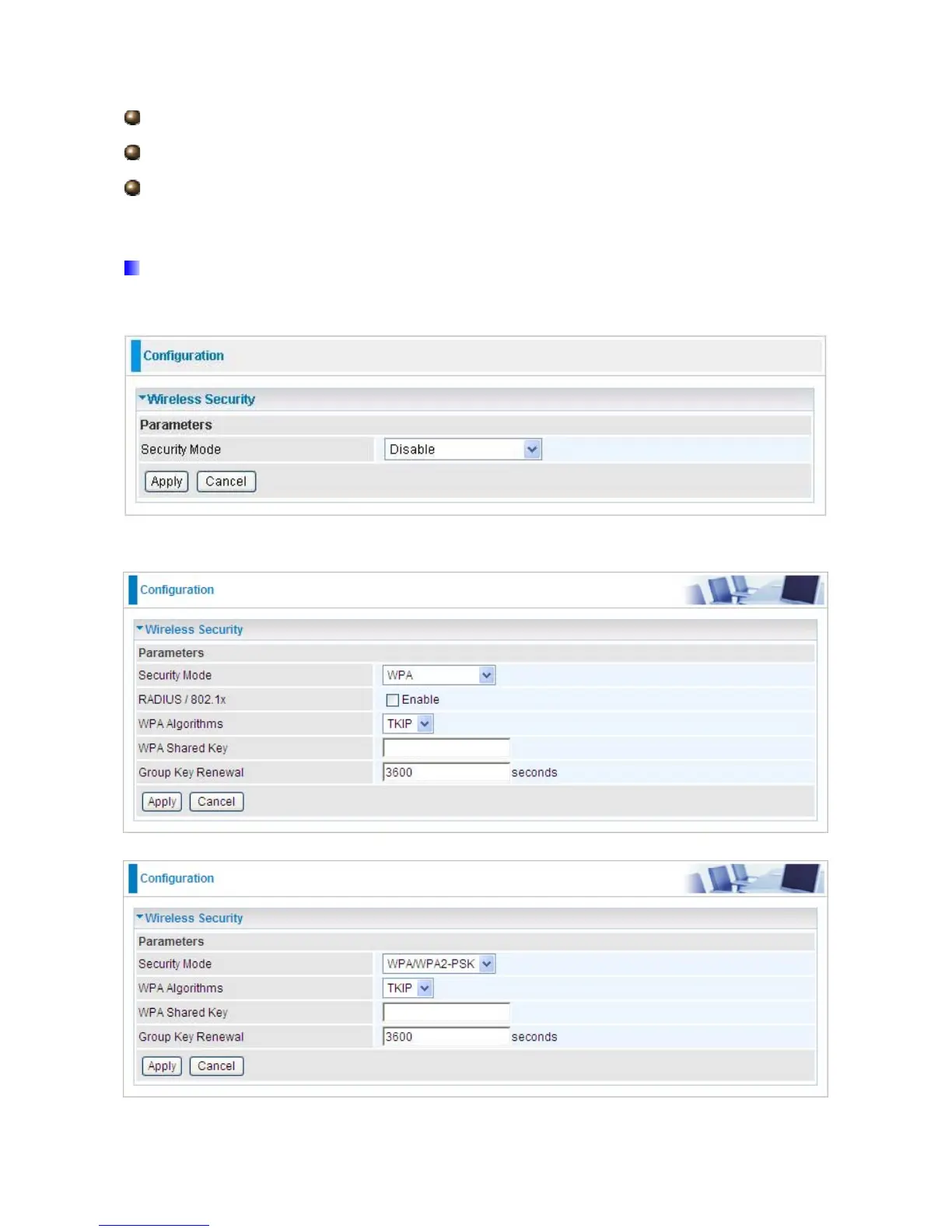
5.3.1.4 Wireless Security (Only available for 7300N)
You can disable or enable with WPA or WEP for protecting wireless network. The default
mode of wireless security is Disable.
WPA / WPA2













 To Next Page