Redline Operating Manual RE / RF / RI 12/2010 page 36/46
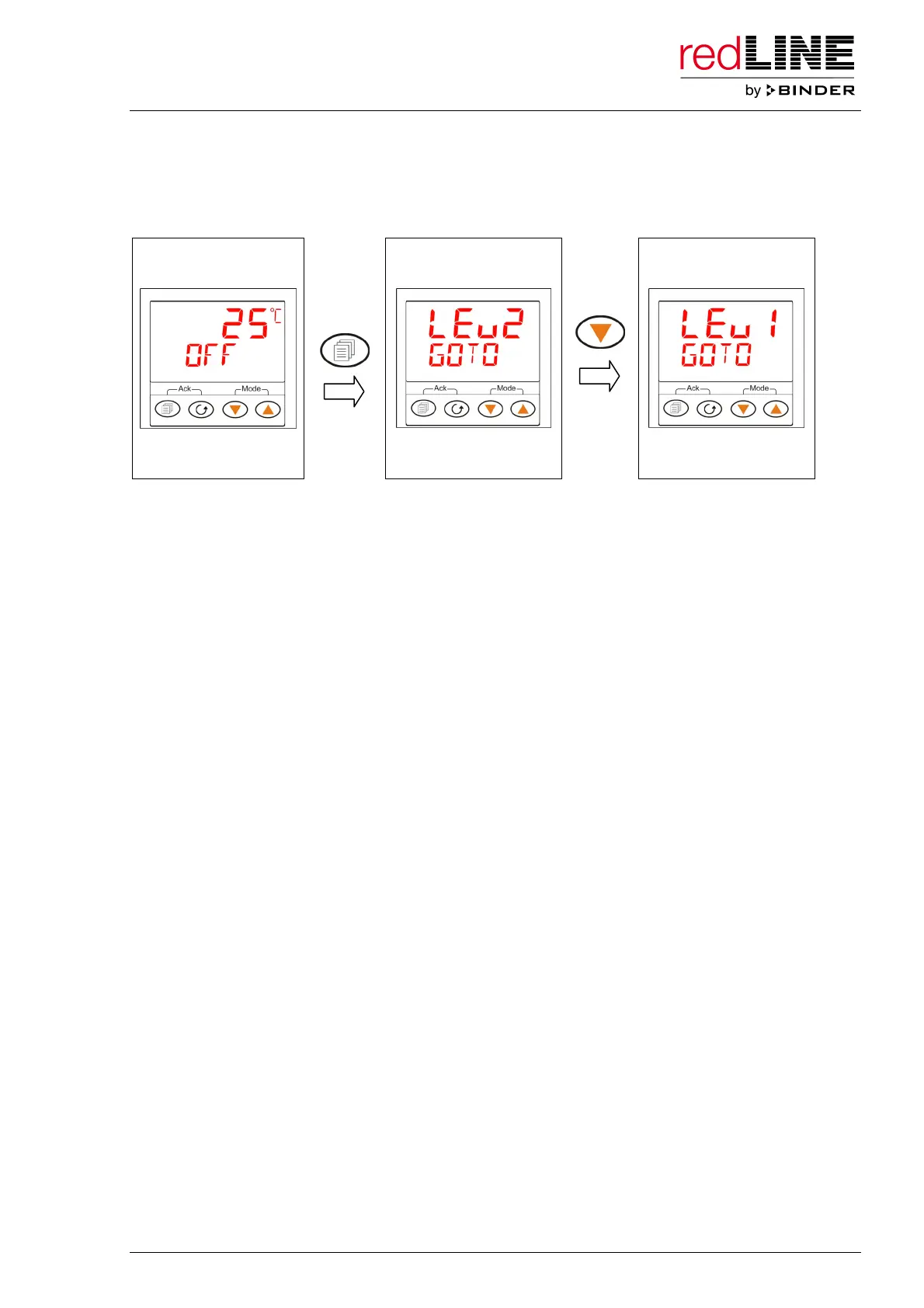
Releasing the controller for standard operation (no access to the adjustment menu):
Press the configuration button for at least one second to enter the access menu “Level 2”. Use the arrow-
down key to toggle to “Level 1”. Afterwards the controller reverts automatically to the main menu. Without
a new password entry, access to the adjustment menu is now no longer possible.
Main menu
(e.g. Standby)
1 sec.
SELECT ACCESS
LEVEL



 To Next Page