Redline Operating Manual RE / RF / RI 12/2010 page 25/46
5.2 Controller overview
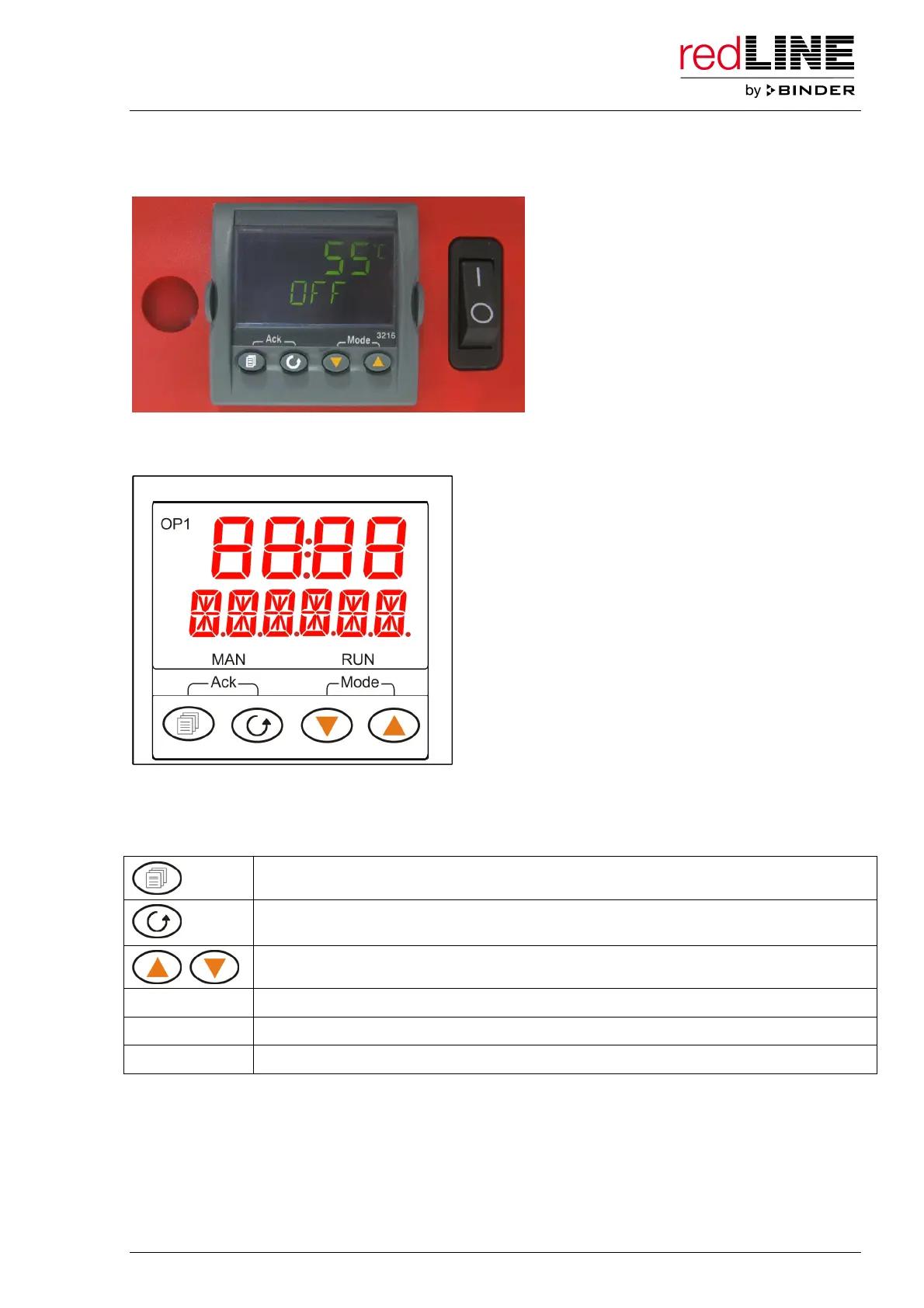
Figure 10: redLINE operating panel with controller and main power switch
Figure 11: redLINE controller
Buttons and controller displays
Configuration button (access to the adjusting menu)
Functional button (access to the setting menus for the temperature set-point, the timer
duration, and the temperature unit, and to display of the remaining timer run time)
Arrow buttons to select parameters and enter values
MAN
Manual Mode (manual control of the heating power)
RUN
Timer operation
OP1
Heating pilot lamp (heating operating)



 To Next Page