Users and Preferences
126
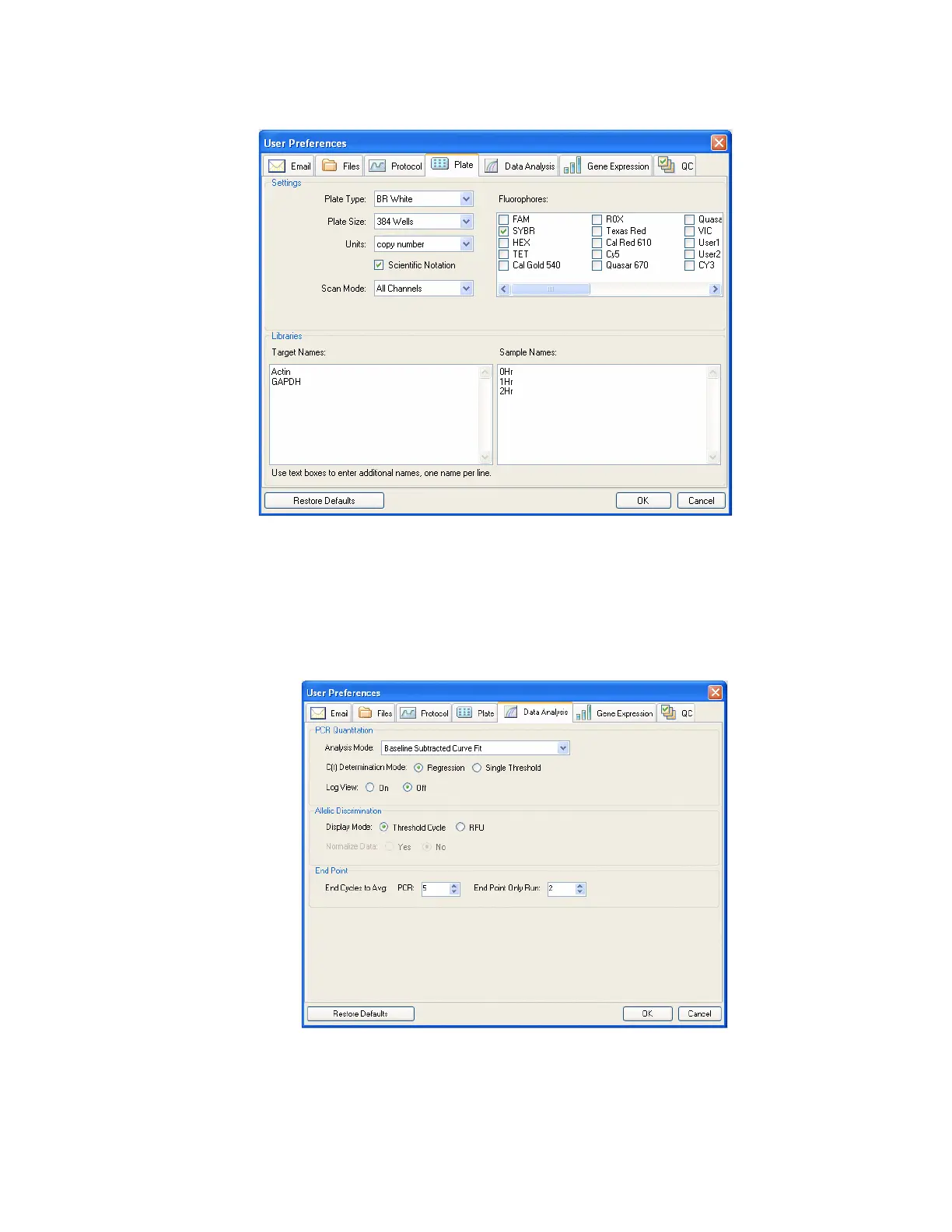
Figure 115. Plate tab in the User Preferences window.
Data Analysis Tab
Select the Data Analysis Tab in the User Preferences window to change the default settings
for data that appear in the Data Analysis window.
Figure 116. Data Analysis tab in the User Preferences window.
For the quantification data, select the following settings:



 To Next Page