Running Experiments
24
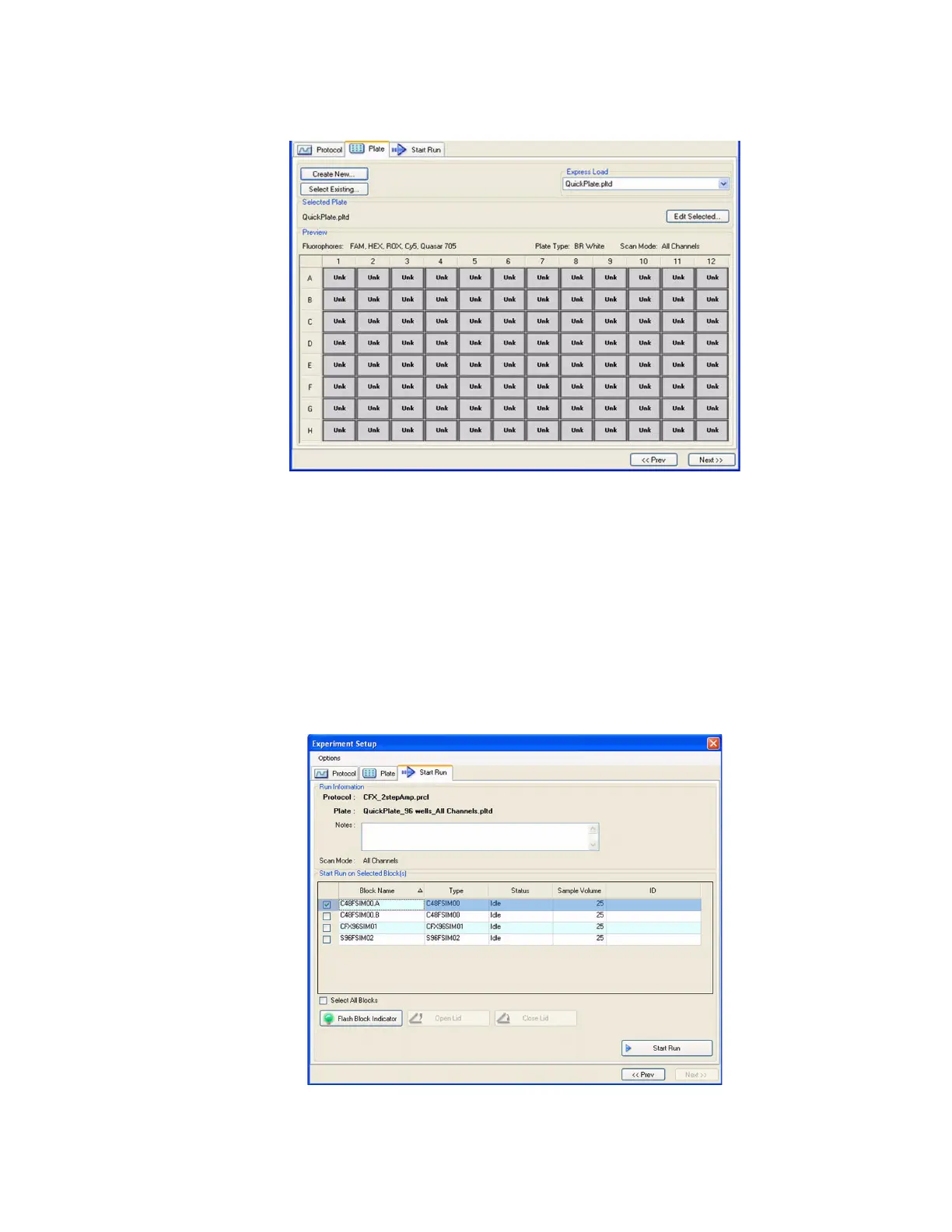
• Edit Selected button. Open the currently selected plate in the Plate Editor
Figure 26. Plate tab window.
Start Run Tab
The Start Run tab (Figure 27) includes a section for checking information about the run that is
going to be started, including the selected protocol and plate files, and a section for selecting
the instrument block.
• Run Information pane. View the selected Protocol file, Plate file, and data acquisition
Scan Mode setting. Enter optional notes about the experiment in the Notes box
• Start Run on Selected Block(s) pane. Select one or more blocks, edit run parameters
(if necessary), and then click the Start Run button to begin the experiment
Figure 27. The Start Run tab.



 To Next Page