CFX96 and CFX384 Systems Manual
51
5. (Optional) Create more well groups by repeating steps 1 and 2.
6. (Optional) Delete well groups by selecting the group name in the pull-down list, and
clicking the Delete button.
7. Click OK to finish and close the window, or click Cancel to close the window without
making changes.
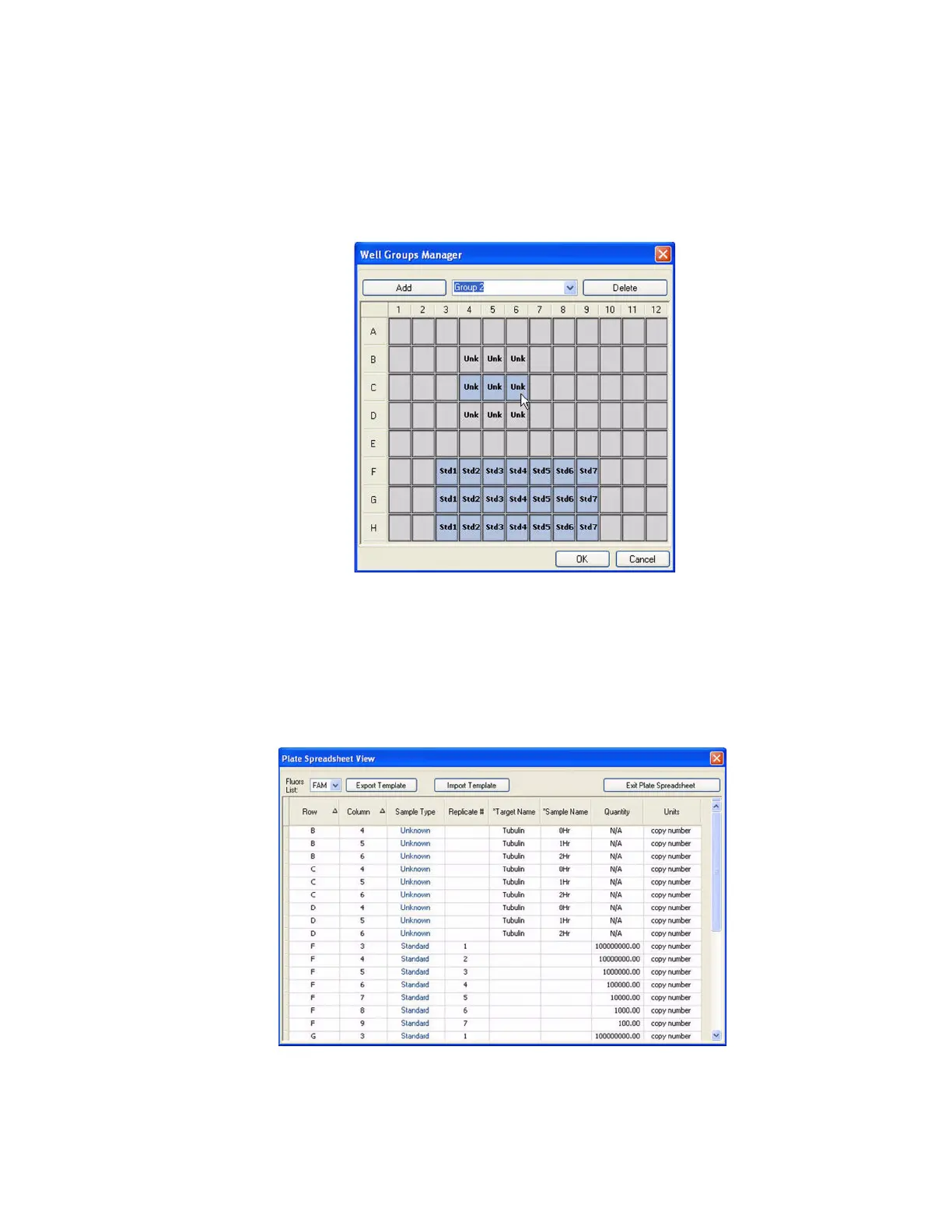
Figure 43. Color of wells in the Well Group Manager window.
Plate Spreadsheet View Window
The Plate Spreadsheet View window shows the contents of a plate in the Plate Editor. Open
the Plate Spreadsheet View window (Figure 44) by selecting Tools > Show Spreadsheet View
in the Plate Editor menu bar.
Figure 44. Plate Spreadsheet View window.



 To Next Page