CFX96 and CFX384 Systems Manual
55
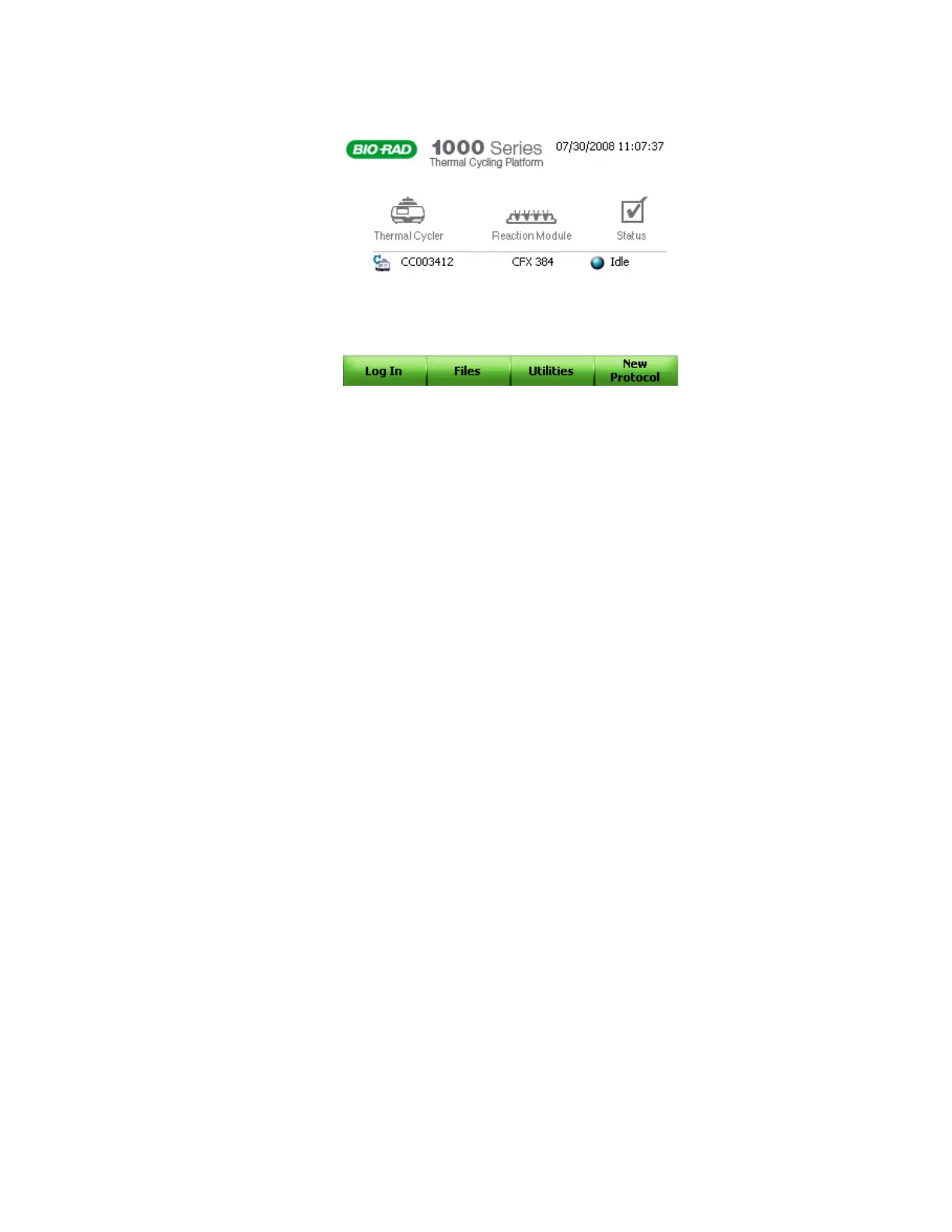
Figure 46. Start-up screen on the front panel.
To initiate the functions in the main menu, press the associated function keys (F1 through F4):
• Log In (F1). Log in to the C1000 thermal cycler. Once you log in the button name
changes to Log Off
• Files (F2). View the files and folders in the file library
• Utilities (F3). Open the Utilities menu
• New Protocol (F4). Create a new protocol
Experiment Setup
The CFX96 system or the CFX384 system can run real-time PCR experiments without a
computer. You can export the fluorescence data acquired during a run using the USB thumb
key. You can also choose to have the data emailed directly to you if the C1000 base is
attached to the internet and the email functionality has been configured (see “Exporting Data
Using Email” on page 62). The data requires CFX Manager software for analysis.
NOTE: The C1000 thermal cycler stores up to 20 real-time PCR experiment runs.



 To Next Page