CFX96 and CFX384 Systems Manual
17
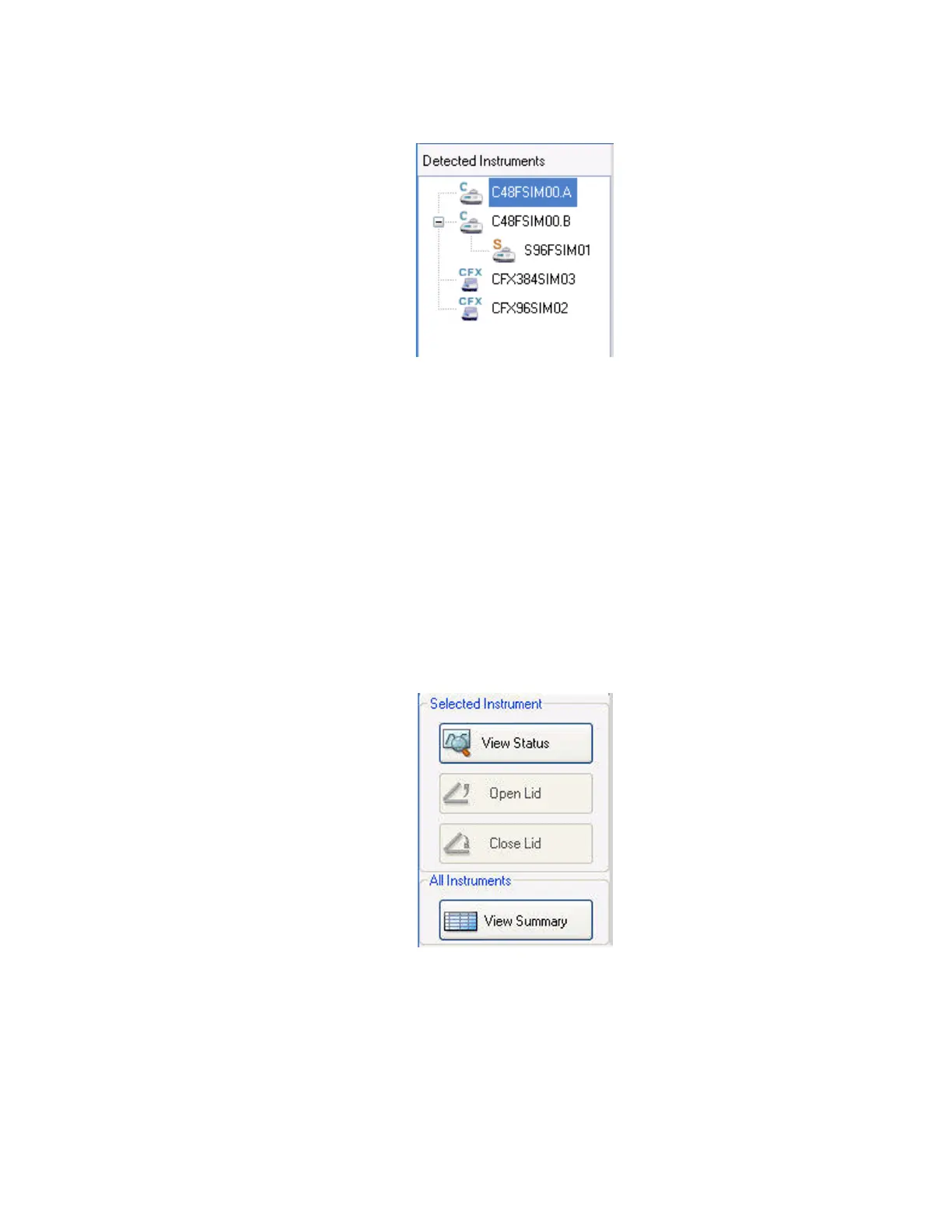
• One CFX96 system (CFX96SIM02)
Figure 18. Instruments listed at the top of the Detected Instruments pane.
Right-click on the instrument icon or block to select one of these options:
•View Status. Open the Run Details window to check the status of the selected
instrument block
• Flash Block Indicator. Flash the indicator LED on the instrument
• Open Lid. Open a motorized lid on the selected instrument block
•Close Lid. Close a motorized lid on the selected instrument block
• Rename. Change the name of the instrument
•Properties. Open the Instrument Properties window
• Collapse All. Collapse the list of instruments in the Detected Instruments pane
• Expand All. Expand the list of instruments in the Detected Instruments pane
You can also control a block by clicking an instrument block icon in the Detected Instrument
pane and then clicking a button in the Selected Instrument pane (Figure 19).
Figure 19. Buttons at the bottom of the Detected Instruments pane.
• Click View Status to open the Run Details window to check the status of the
selected instrument block
• Click Open Lid to open the motorized lids on the selected instrument
• Click Close Lid to close the motorized lids on the selected instrument
• Click View Summary to open the Instrument Summary window



 To Next Page