CFX96 and CFX384 Systems Manual
29
Instrument Summary Toolbar
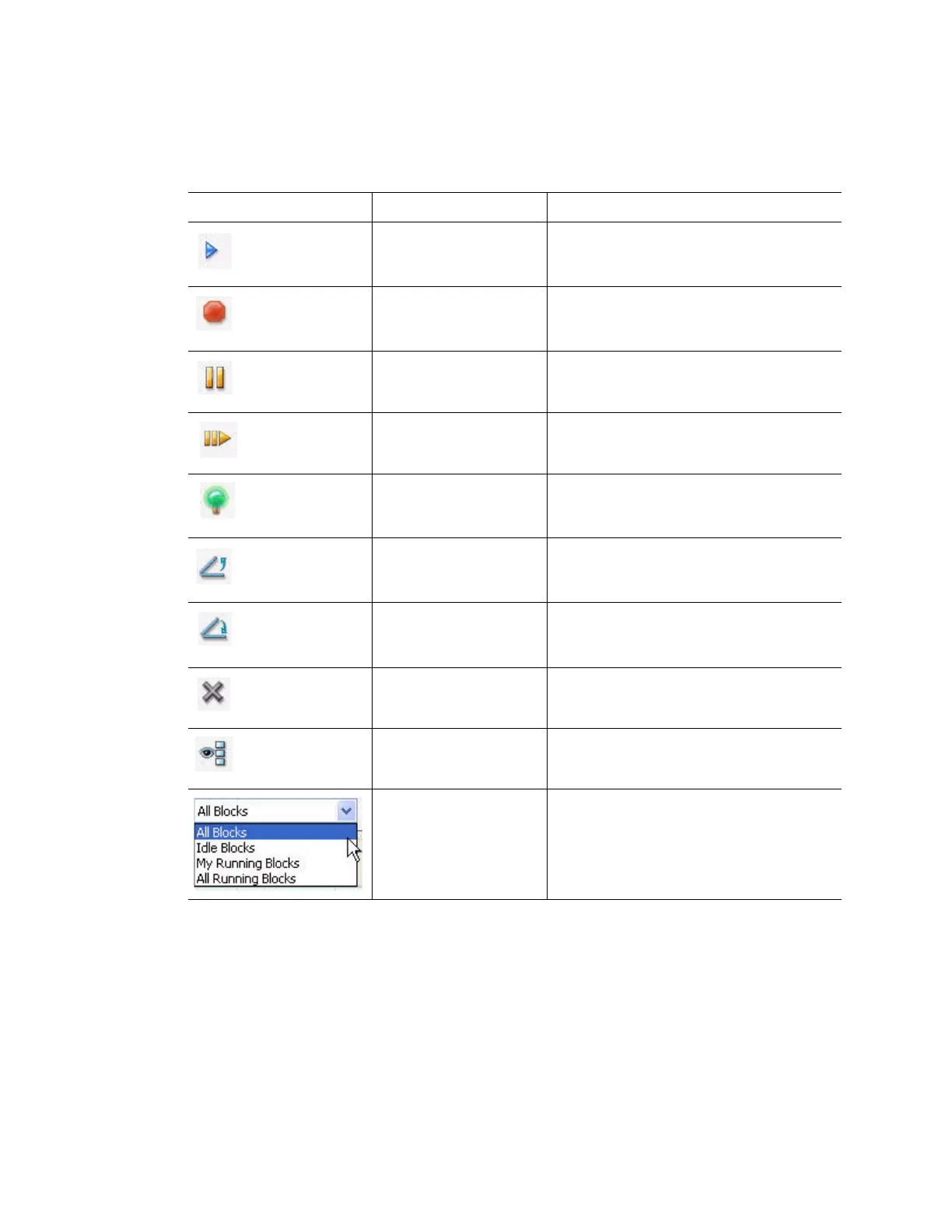
The Instrument Summary toolbar includes buttons and functions listed in Table 12.
Right-Click Menu
Right-click in the Instrument Summary window to change the list of options that appear:
• Block Name. View the name of the block
•Type. View the size and type of the block
• Status. View the current status of the block
•User. View the current user who is logged in to the software
• Remaining. View the time remaining in the current run
Table 12. Toolbar buttons in the Instrument Summary window
Button Button Name Function
Set Up Experiment Set up an experiment on the selected
block by opening the Experiment Setup
window
Stop Stop the current run on selected blocks
Pause Pause the current run on selected blocks
Resume Resume the run on selected blocks
Flash Block Indicator Flash the indicator LED on the lid of the
selected blocks
Open Lid Open a selected block motorized lid
Close Lid Close a selected block motorized lid
Hide Selected Blocks Hide the selected blocks in the
Instrument Summary list
Show All Blocks Show the selected blocks in the
Instrument Summary list
Show Select which blocks to show in the list.
Select one of the options to show all
detected blocks, all idle blocks, all the
blocks that are running with the current
user, or all running blocks



 To Next Page