CFX96 and CFX384 Systems Manual
83
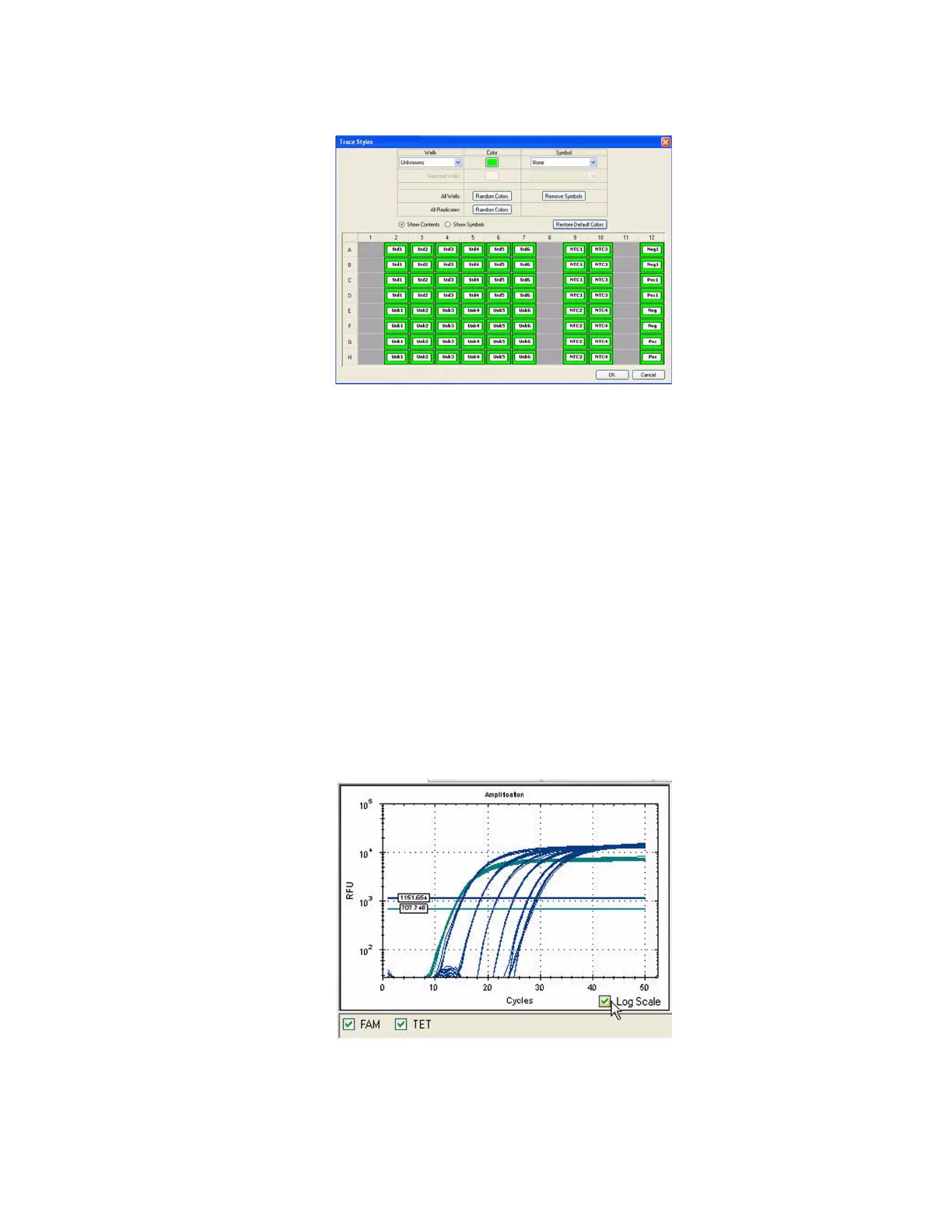
Figure 82. Trace Styles window.
Use the tools in the Trace Styles window to adjust appearance of traces and preview the
changes in the well selector at the bottom of the window.
• Select a specific set of wells by using the well selector at the bottom of the window.
Alternatively, select wells that contain one sample type in the pull-down menu in the
Wells column, including Unknown, Standard, NTC (no template control), Positive
Control, Negative Control, or NRT (no reverse transcriptase control) sample types
• Click the box in the Color column to select a color for the wells
• Select a symbol from the pull-down menu in the Symbol column
• Click Show Contents to show the sample types in each well, or click Show
Symbols to show the selected Symbols in each well
• Click Remove Symbols to remove all the added symbols from all wells
• Click Restore Default Colors to return to the default trace colors
Log Scale Option
Click the Log Scale box at the bottom of the Amplification chart to view the fluorescence
traces in a semi-log scale, as shown in Figure 83.
Figure 83. Log Scale option selected in Amplification chart.
TIP: To magnify any area of the chart, click and drag the mouse across an area. To
return to a full view, right-click and select Set Scale to Default from the menu.



 To Next Page