Page 29 / 41 IFU_MAL_EN_V6
Select this icon to choose the pen model
used during the injection.
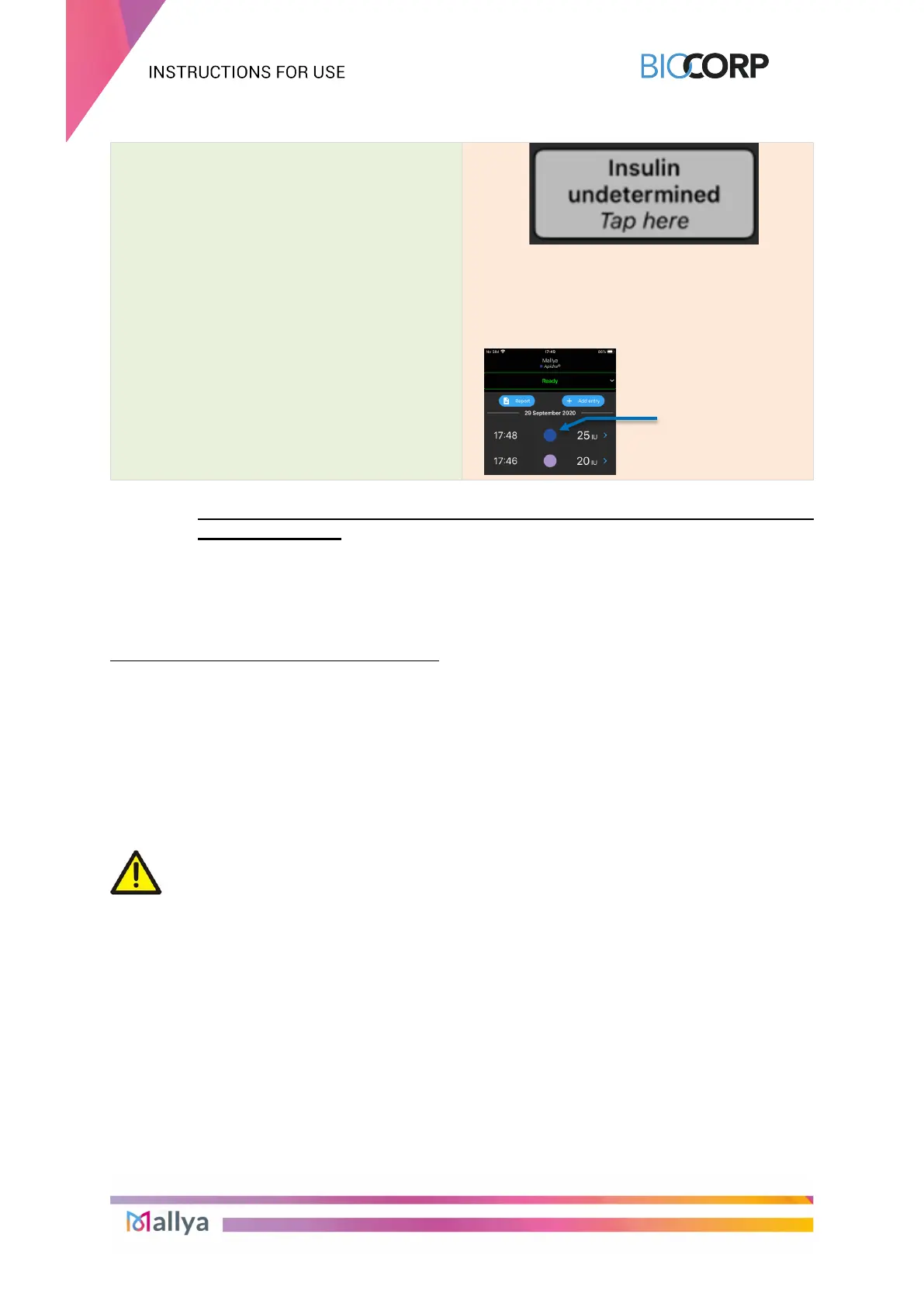
Example of display with the pen model
"APIDRA" selected:
8.3 COLLECT YOUR INJECTION DATA FROM MALLYA AFTER SMARTPHONE
DISCONNECTION
Your smartphone may disconnect from the Mallya system in case Bluetooth is out of range, or
the battery is empty, or for other potential reasons. In this case, you can still use Mallya to
record your insulin doses and, on the next connection, data will be automatically transferred
from Mallya to your smartphone.
Upon re-connection, 2 options are possible:
- Your Mallya application will display the recorded injections data as usual if no mounting
event occurred during the disconnection period (eg.: your base and / or the button have /
has not been removed from the original pen in the meantime), or
- Your Mallya application will display the 2 options indicated in section 8.2.4. if a mounting
event occurred (the Mallya base and / or the button have / has been removed from the
original pen during the disconnection period).
Follow the instructions in section 8.2.4. to indicate:
the pen model on which your Mallya is currently assembled, and
the pen model used for the injections (or primings) during the disconnection period.
CAUTION
Upon a first injection following a disassembly, make sure you reconnect the device
with the application as soon as possible to avoid “Insulin undetermined” doses.
the pen model
"APIDRA"
selected (used
for the injection)



 To Next Page