Page 30 / 41 IFU_MAL_EN_V6
9. TROUBLESHOOTING
CAUTION
- Never attempt to access the internal hardware of the device.
- When a functional testing is not successful and if the given recommendations do not solve
the issue, you are prompted to contact a BIOCORP PRODUCTION authorized dealer.
9.1 TROUBLESHOOTING MALLYA WITH VISUAL AND AUDITIVE BASE SIGNALS
When a visual or audible signal occurs on your Mallya, check the cause and follow the
indications listed below to solve the issue:
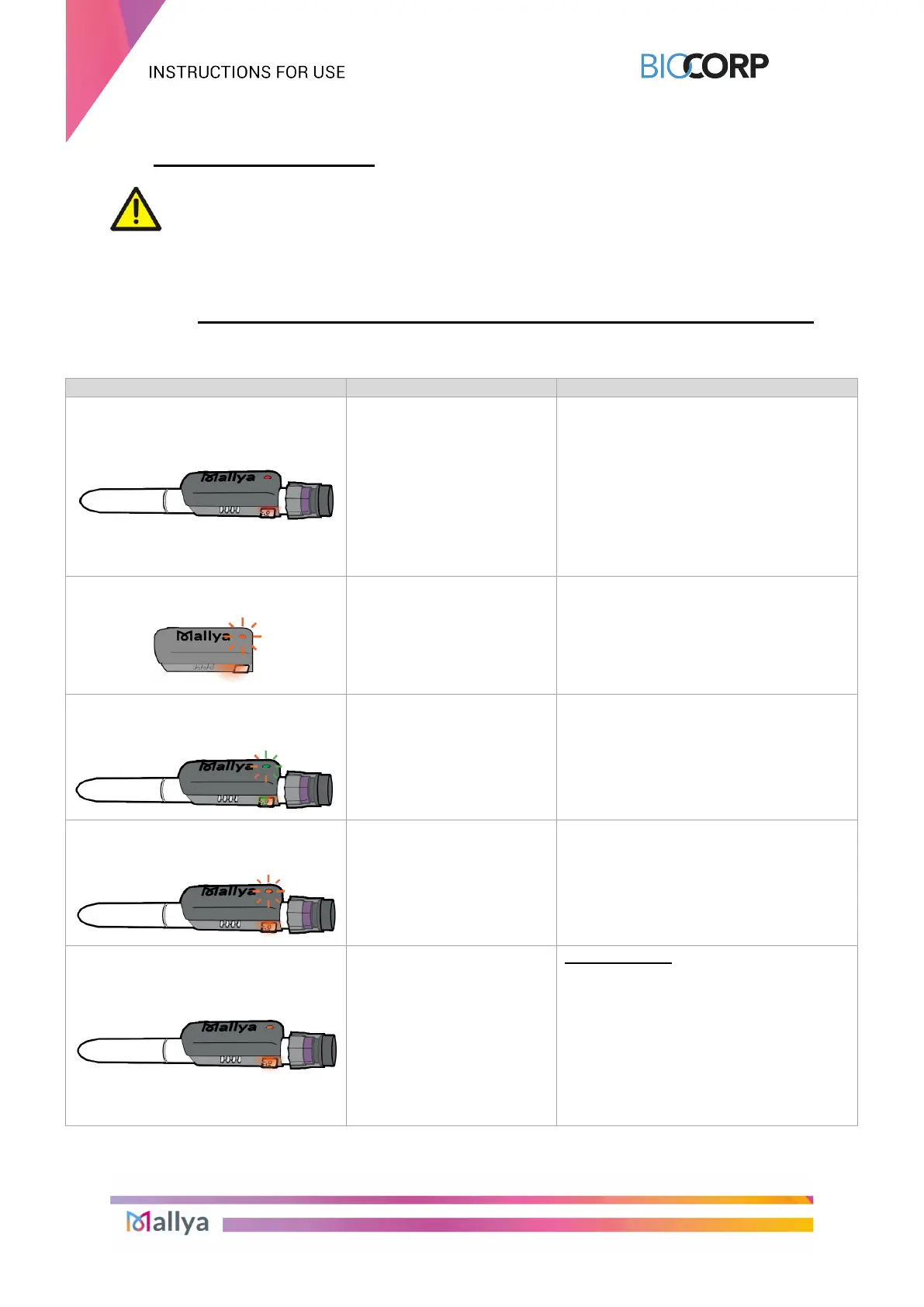
Red LED
Mallya error
Re-calibrate Mallya if the light indicator is
flashing orange (see section 5.2.2.)
If the issue persists and the light is still
red: reset the system (see section 9.3.)
Then, try to pair Mallya to your
smartphone (see section 5.4.2.)
If the problem is not solved, please
contact a
BIOCORP PRODUCTION
authorized dealer.
Orange LED (rapid flashing)
Calibration in progress:
Slowly tilt the Mallya side to side to
calibrate (see section 5.2.2.)
A green light will appear for 2 seconds
upon successful calibration (with a beep,
then the green light will turn off).
Alternating orange and green
flashing (rapid flashing)
Mallya device is correctly
positioned onto the pen but
must be paired.
Pair Mallya to your smartphone (see
section 5.4.)
Orange LED (slow flashing)
(every 15 seconds)
Battery is low.
Plug in and charge the Mallya base (see
section 5.2.1.)
Orange LED
Mallya position error on
pen,
Or
The button is not turned
back to the dose “0”
- the Mallya window and the pen dose
window are properly aligned, and
- the Mallya button is correctly pushed
onto the pen
(please see the “cautions
recommendations below this table)
Or
- the button is turned back to the dose
Table 14 - Troubleshooting with visual and auditive base signals



 To Next Page