NM70I-847/NM70I-807/NM70I-1007U/NM70I-1037U UEFI BIOS Manual
8
Wake up date
You can choose which date the system will boot up.
Wake up hour / Wake up minute / Wake up second
You can choose the system boot up time, input hour, minute and second
to specify.
USB Device Wakeup from S3/S4
This item allows you to enable or disabled the USB resume from S3/S4
function.
Options: Disabled (Default) / Enabled
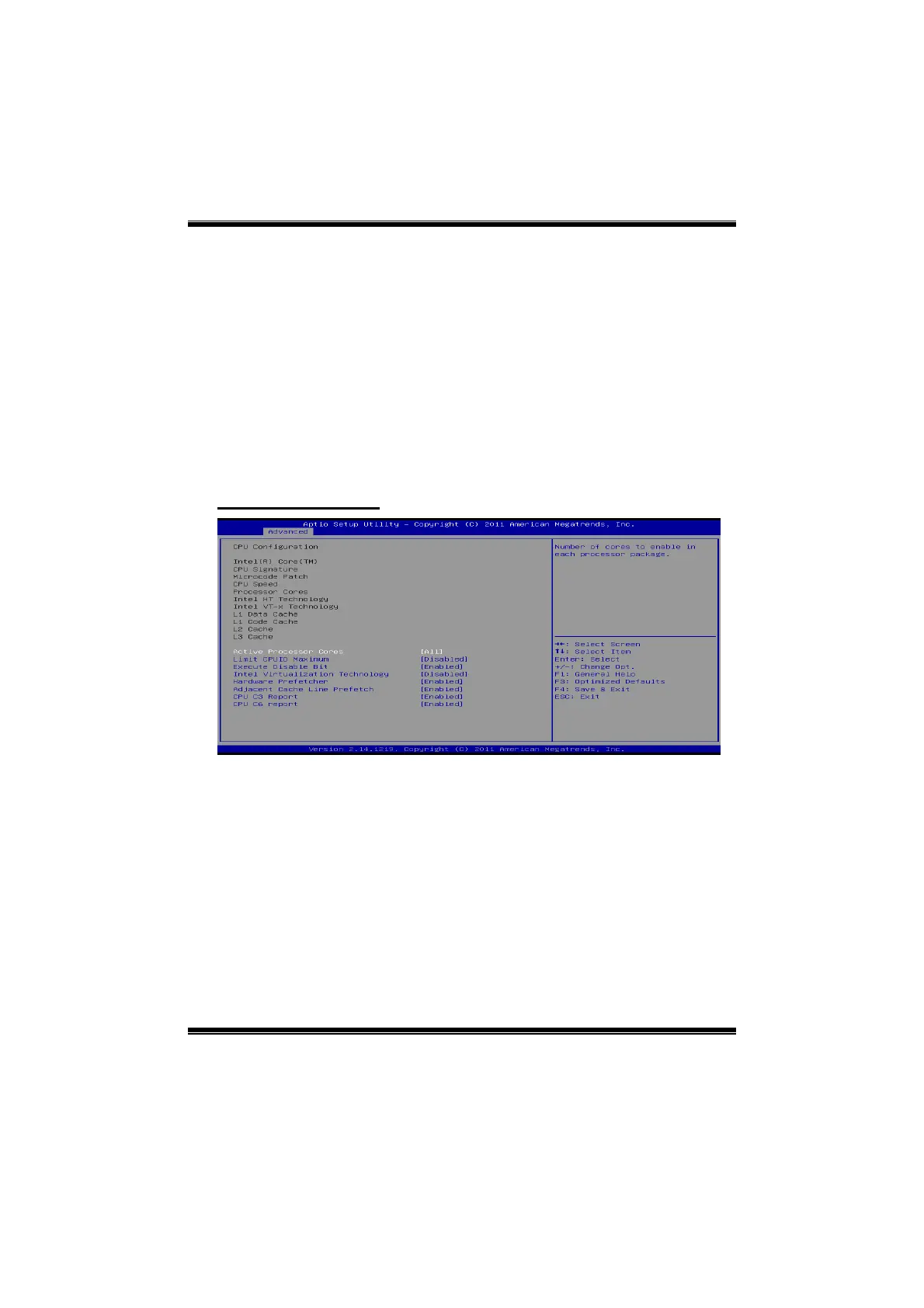
CPU Configuration
Hyper-threading
Enabled for Windows XP and Linux (OS optimized for Hyper-Threading
Technology) and Disabled for other OS (OS not optimized for
Hyper-Threading Technology). When “Disabled”, only one thread per
enabled core is enabled.
Options: Enabled (Default) / Disabled
Note: This setting is only for NM70I-807
Active Processor Cores
This item sets number of cores to enable in each processor package.
Options: All (Default) / 1







 To Next Page