Chapter 2: Hardware Installaon | 7
TB360-BTC D+
Chapter 2: Hardware Installaon
2.1 Install Central Processing Unit (CPU)
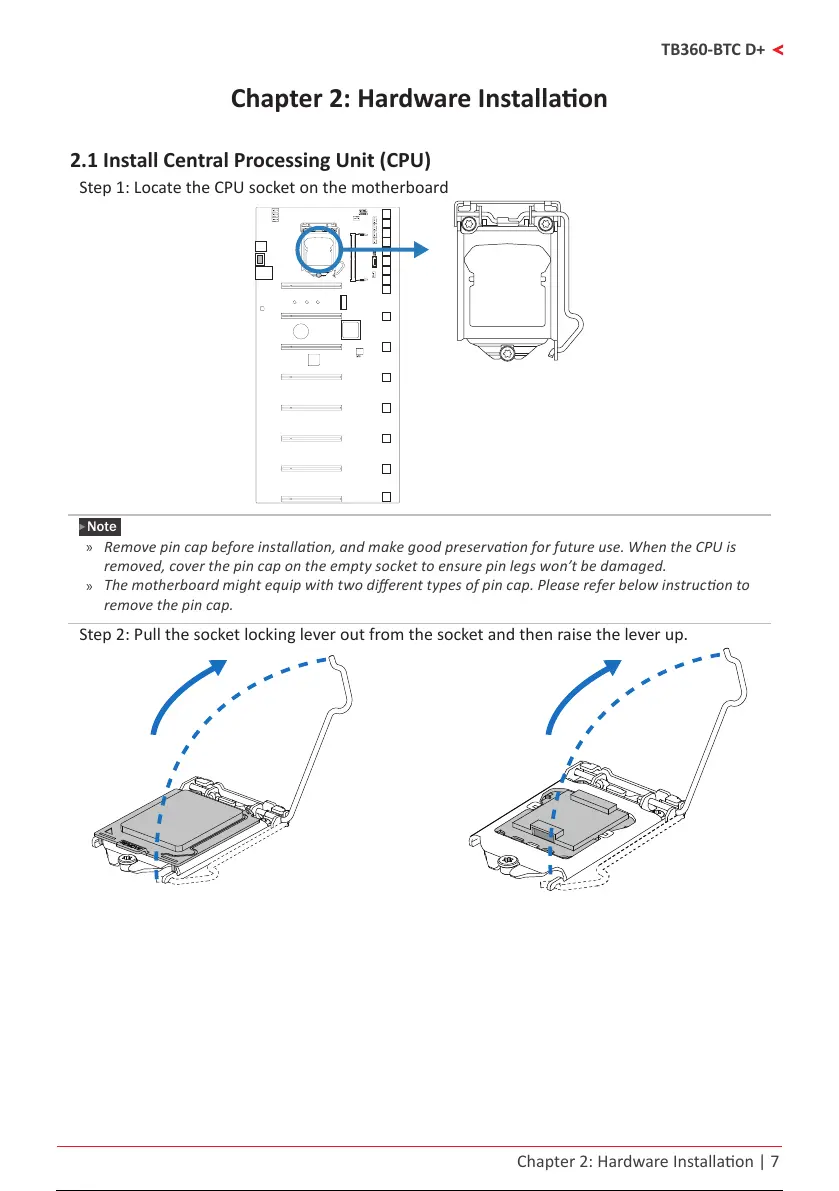
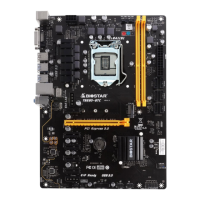
Step 1: Locate the CPU socket on the motherboard
Note
»
Removepincapbeforeinstallaon,andmakegoodpreservaonforfutureuse.WhentheCPUis
removed,coverthepincapontheemptysockettoensurepinlegswon’tbedamaged.
»
Themotherboardmightequipwithtwodierenttypesofpincap.Pleasereferbelowinstruconto
removethepincap.
Step 2: Pull the socket locking lever out from the socket and then raise the lever up.
8 / 36 7 / 34 8 / 36 7 / 34 8 / 36



 To Next Page