2
Chapter 2 Installation
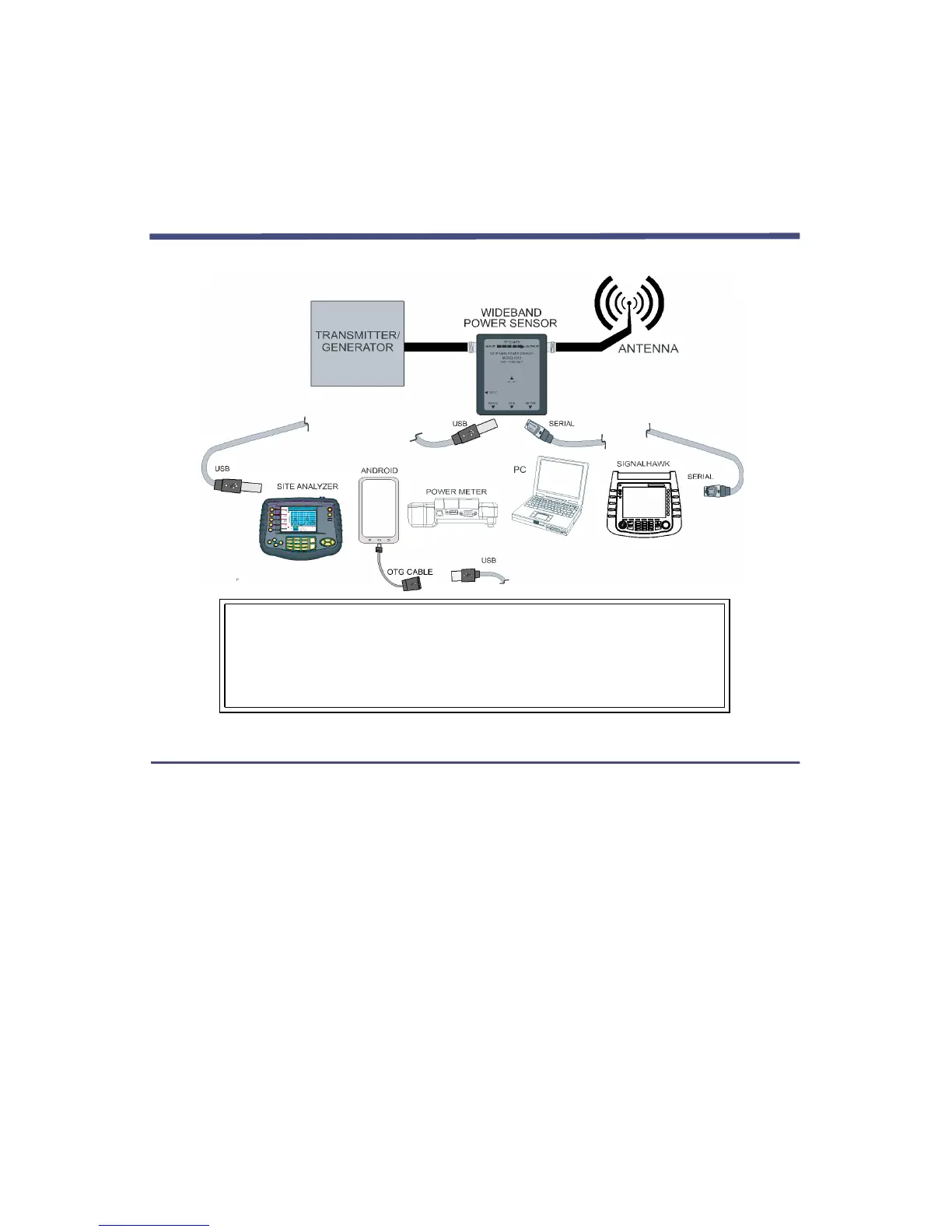
Connections
5012D
5016D
5017D
5018D
5019D
5012A
Note:
USB
USB &
Serial
WARNING
Never attempt to connect or disconnect RF equipment
from the transmission line while RF power is being applied.
Leaking RF energy is a potential health hazard.
Digital Power Meter (DPM)
To connect the WPS to the Digital Power Meter, use the serial cable provided.
Connect the male end of the cable to the DPM and the female end to the WPS.
A separate power supply for the WPS is not required when using a DPM.
Note: Connect the WPS to the RF line so that the arrow on the
sensor points towards the load.



 To Next Page