2.2 Configuring the Server
Setting up the Pool
To configure the server:
1. Click Settings as below.
2. Set the options according to the following table:
Note:
Fan speed percentage can be adjusted, but we recommend to keep the default setting.
The server will adjust the fan speed automatically if the fan speed percentage has yet
been selected.
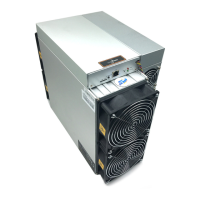
There are two working modes of S21 Pro server: Normal mode and Sleep mode. The
server enters the sleep mode under the condition that the control board is powered
while hashboards are not powered.



 To Next Page
 Loading...