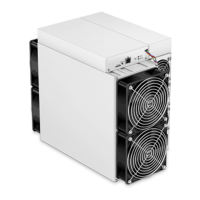
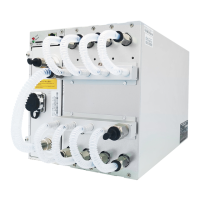
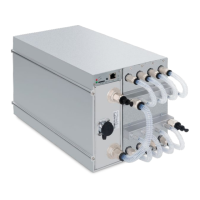
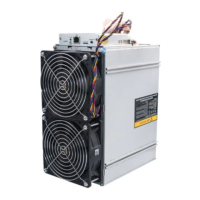
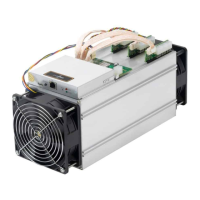
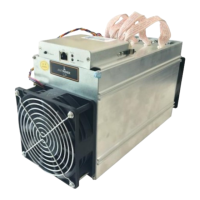
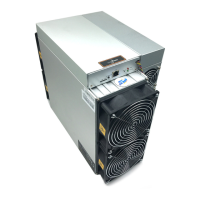
3. Remove 2 screws from the front cover of the control panel, remove the front cover,
and push the control panel along the chute, as shown in the figure:
4. The installation steps are opposite to the disassembly steps, and it can be install in
the steps of the opposite above order.
4.2 Power Supply Disassembly and Installation
1. Remove the 2 upper caps according to the above method.



 To Next Page
 Loading...