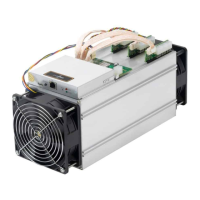
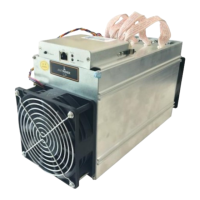
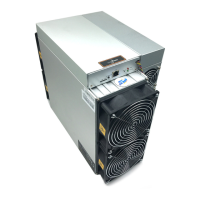
4 Server Disassembly and Installation
4.1 Control Panel Disassembly and Installation
1. Remove the 4 upper cover screws of the server, as shown in the figure:.
2. Remove the two upper covers and unplug a total of 9 cables on the control board,
including the operation board arrangement cables, the fan cables, the control board
power supply cables and the power supply voltage regulating cables, as shown in
the figure:



 To Next Page
 Loading...