ANTSPACE HK3 Water cooling container & Dry-Wet Tower Product Manual
59
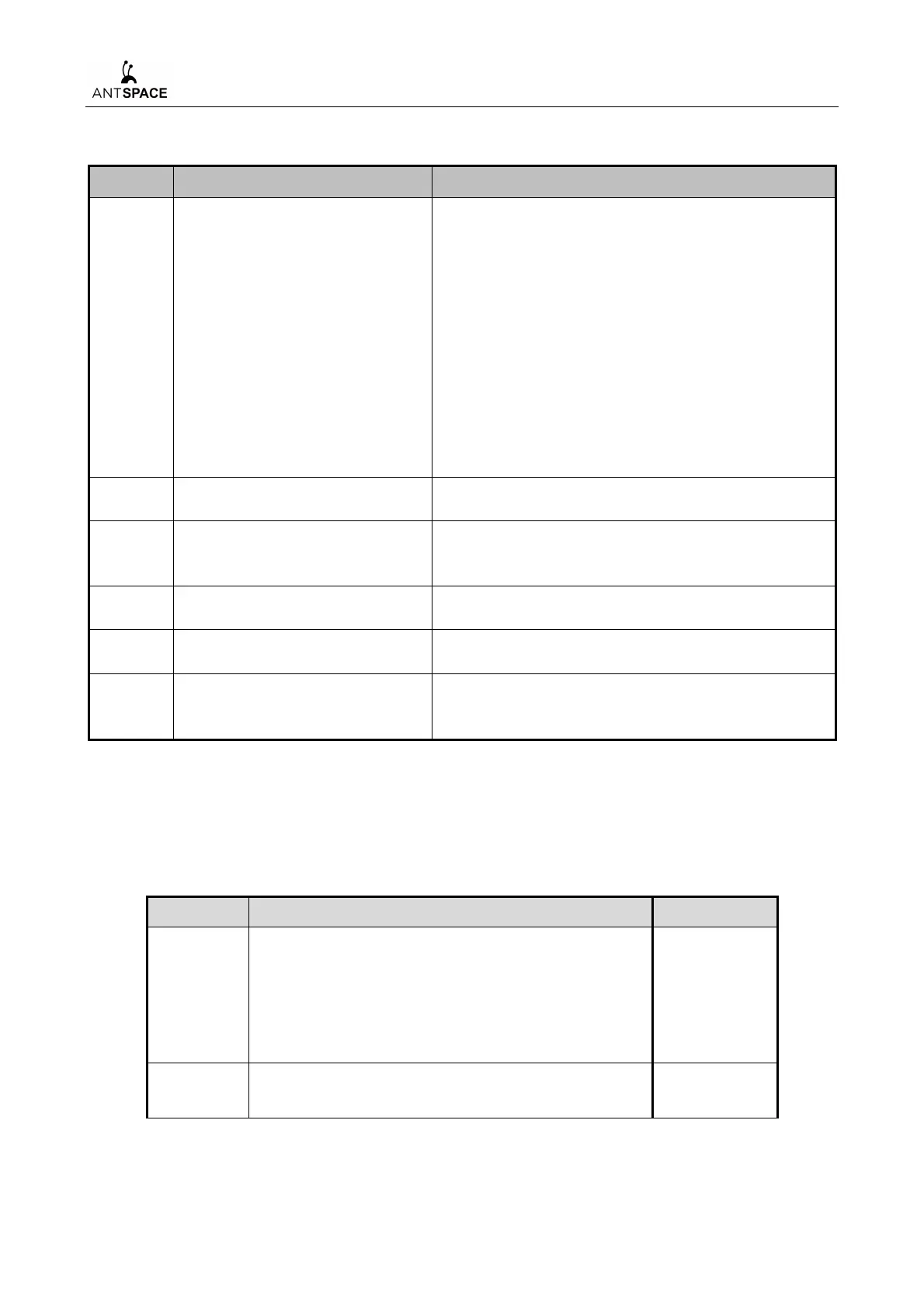
Table 7-4 On-site installation summary
Location and lifting of
containers and cooling towers
on site
Taking the water inlet and outlet of the container as
the reference, the dry cooling tower is installed on
the left side of the container (the inlet and outlet of
the dry cooling tower is on the same side as the
inlet and outlet of the container), and the distance
between the container and the dry cooling tower is
required to be 2m, and there shall be no blockage
on the top of the dry cooling tower. And take the
projection line of the bottom frame of the receiver
surface of the container as the benchmark, the
projection line of the bottom frame of the receiver
surface of the dry cooling tower should be kept in
the same straight line with it.
Installation of container exhaust
fans
Installation of connecting
pipeline between container and
cooling tower
The pipeline is installed correctly, sealed well, no
leakage
Water-cooled container power
distribution
Reasonable alignment, standardized wiring, torque
calibration, power-up inspection
Water-cooled container
pressurization operation
After gas detection for 7 bar/12 h, Water detection
for 7 bar/30 min
Water filling operation for
water-cooled containers
Preparation - system Water replenishment - water
tank Water replenishment - regular replenishment
of water tank
2) On-site Installation Inspection
The following items need to be verified after installation. Can only start power on after
completely qualified.
Table 7-5 Checklist after installation
Proper installation, no tilt.
Stand on a horizontal hard floor, leave room for
maintenance.
All the debris inside removed (cable ties, thrums, etc.).
Correct installation according to component functions.



 To Next Page