EasyManua.ls Logo

BIXOLON BCD-2000 - USB Interface and Pin Layout for BCD-2000

BIXOLON BCD-2000
26 pages
Print Icon
To Next Page IconTo Next Page
To Previous Page IconTo Previous Page
Loading...
Rev. 1.02
- 17 -
BCD-2000
6-2-4 Printer Interface Connector Pin Layout
Pin
NO
Signal
Input/
Output
Function
2
RXD
Input
Receive data from printer (printer -> host)
3
TXD
Output
Send data to printer (DM -> printer)
4
DTR
Output
Indicate whether host is ready for incoming data
transmission
5
GND
-
Grounding of signal
6
DSR
Input
Indicate whether display is ready for incoming data
transmission
9
RESET
Output
Reset signal to printer (host -> printer)
Caution or Warning
- Use only the genuine communication cable provided by the
manufacturer.
- The warranty does not cover damage caused by the use of
unauthorized cables.
6-3 USB Communication
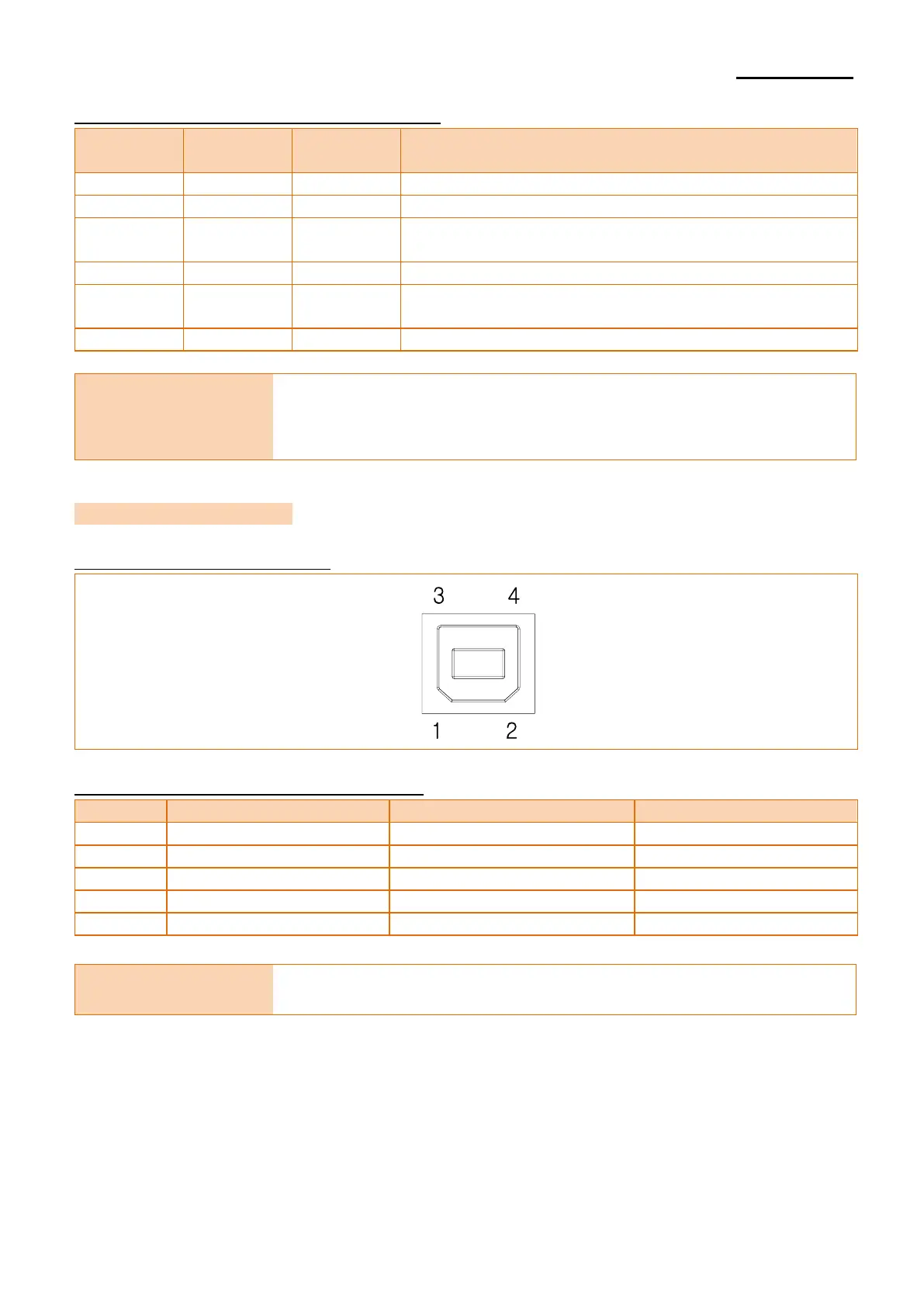
6-3-1 USB Interface Connector
6-3-2 USB Interface Connector Pin Layout
Pin No
Signal
Designation (Color)
Function
Shell
Shield
Drain cable
Grounding of frame
1
VBUS
Red
Host power
2
D-
White
Data line (D-)
3
D+
Green
Data line (D+)
4
GND
Black
Grounding of signal
Caution or Warning
- Please only use the genuine USB cable supplied by the
manufacturer to avoid damage or malfunction.

Other manuals for BIXOLON BCD-2000

Related product manuals