5-11 Factory Reset
• This function is used to reset the printer settings to factory default settings.
5-11-1 How to reset the printer
1) Press the Pause button for two seconds during Print Standby Mode.
2) Both LEDs will change to orange color and the printer will be set to Stand-along
Configuration Mode.
3) Press the Feed button at the third LED sequence in 5-2-2 (LED 1 Green / LED
2 Red – 4 times Blink) to reset the printer to factory settings, and Smart Media
Detection function will be executed.
5-12 Firmware Download
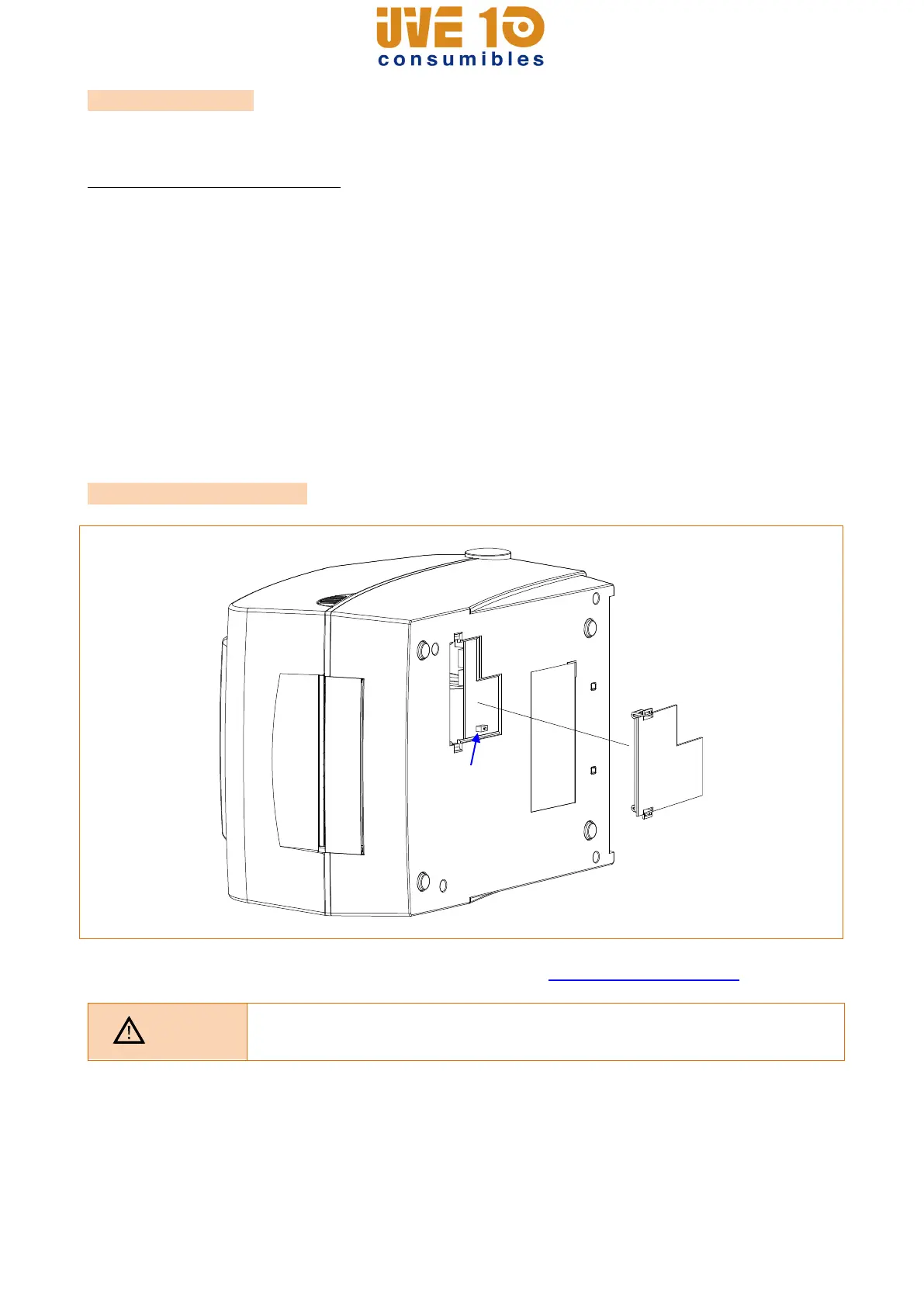
Please refer to Firmware Download manual for details. (http://www.bixolon.com)
Make sure if the dip cover is closed prior to operating.
V10 CONSUMIBLES S.L.
Calle Llanos de Jerez 18 Nave 9 Coslada https://v10consumibles.com Tel: 910 269 309

















 To Next Page