4. Self-Test
Run the self-test to check the setting information when you are setting up the printer for the
first time or if there is a problem.
If no issue is found with the printer after running the self-test, examine the other devices or
peripherals and software. This function is independent of such other devices and software.
• Self-Test Instructions
1) Turn the printer power on and go to the Information > System > Config Print menu
on the LCD
2) Press the power button(Print) to run the self-test.
3) The printer settings information is printed on the first page, and the wireless interface
information is printed on the next page.
4) After the wireless interface information is printed, the self-test is automatically
terminated.
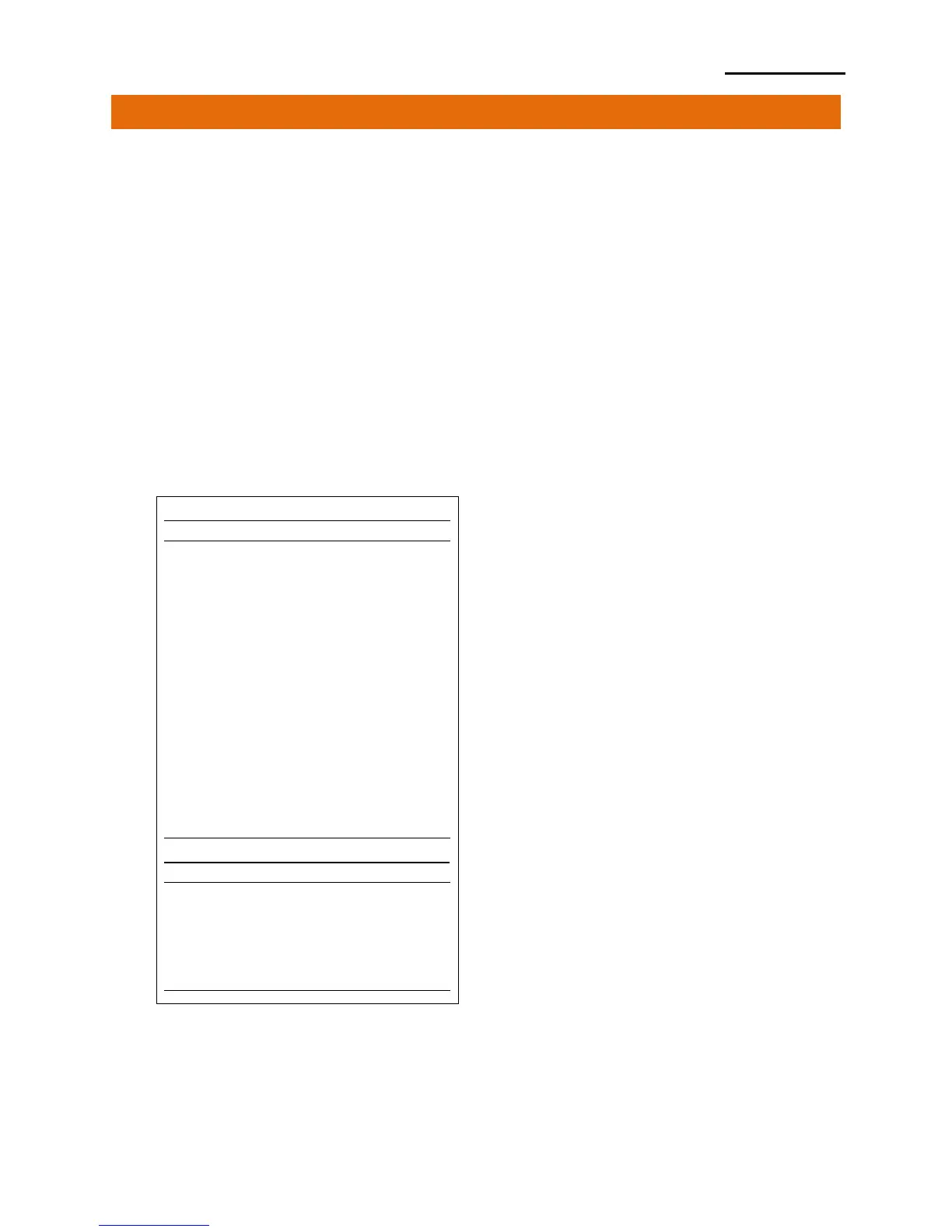
• Self-Test Sample
BIXOLON SPP-L3000 CONFIGURATION
FIRMWARE VERSION : V01.00 STD 010118
EMULATION : SLCS & BPL-Z & BPL-C
PRINT DARKNESS : 0/30
PRINT SPEED : 5 IPS
TEAR OFF VALUE : +000 DOT
TEAR OPTION : TEAR-OFF
PRINT OFFSET : +0000 DOT
POWER-UP ACTION : NO ACTION
MEDIA TYPE : BLACKMARK PAPER(REAR)
SENSOR TYPE : REAR REFLECT
PRINT METHOD : DIRECT THERMAL
LABEL LENGTH : 1013 DOT
LABEL WIDTH : 576 DOT
BAUD RATE : 115200
PARITY : NONE
DATA BIT(S) : 8
STOP BIT(S) : 1
HAND SHAKING : HARDWARE
USB SERIAL NUMBER : 0000000000001
BPL-Z CODEPAGE : CP-850(SBE. USA-1 CHARSET)
SLCS CODEPAGE : WCP1252-LATIN1
SLCS ICS : U.S.A
CONFIGURATION CONTROL STATUS
PRINT SPEED : COMMAND
PRINT DARKNESS : COMMAND
PRINT WIDTH : COMMAND
PRINT OFFSET : COMMAND
TEAR OFF : COMMAND
MEDIA TYPE : COMMAND
LANGUAGE : COMMAND













 To Next Page