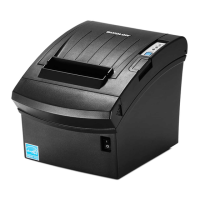
SRP-352plusIII
Rev. 1.01
4) If you are using a Bluetooth Serial port, click “Bluetooth Stack for Windows” and then
select a Bluetooth driver vendor.
※Pass this step if the printer is connected with a serial cable.
5) Click “Next” to install Windows driver.
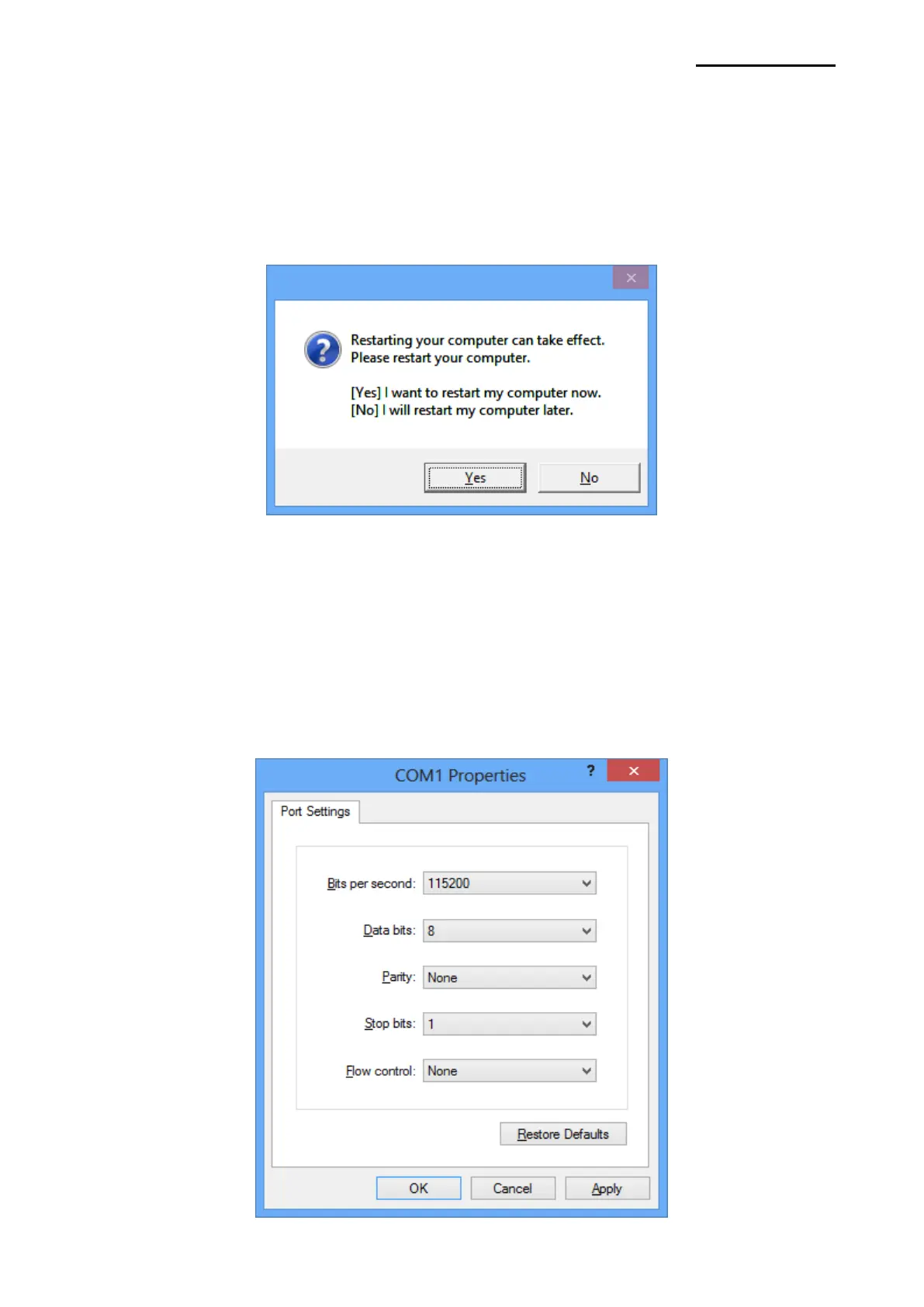
6) Click “Yes” to reboot the PC.
7) Open the printer properties window in the Windows OS.
※ Control Panel – Hardware and Sound – Device and Printers.
8) In the “Ports” tab, click “Configure Port…”
※ Pass this step if you are using a Bluetooth Serial port.
9) Match the communication settings to those of the printer. The communication settings of
the printer can be performed by conducting a self-test.
※ Pass this step if you are using a Bluetooth Serial port.







 To Next Page