SRP-352plusIII
Rev. 1.01
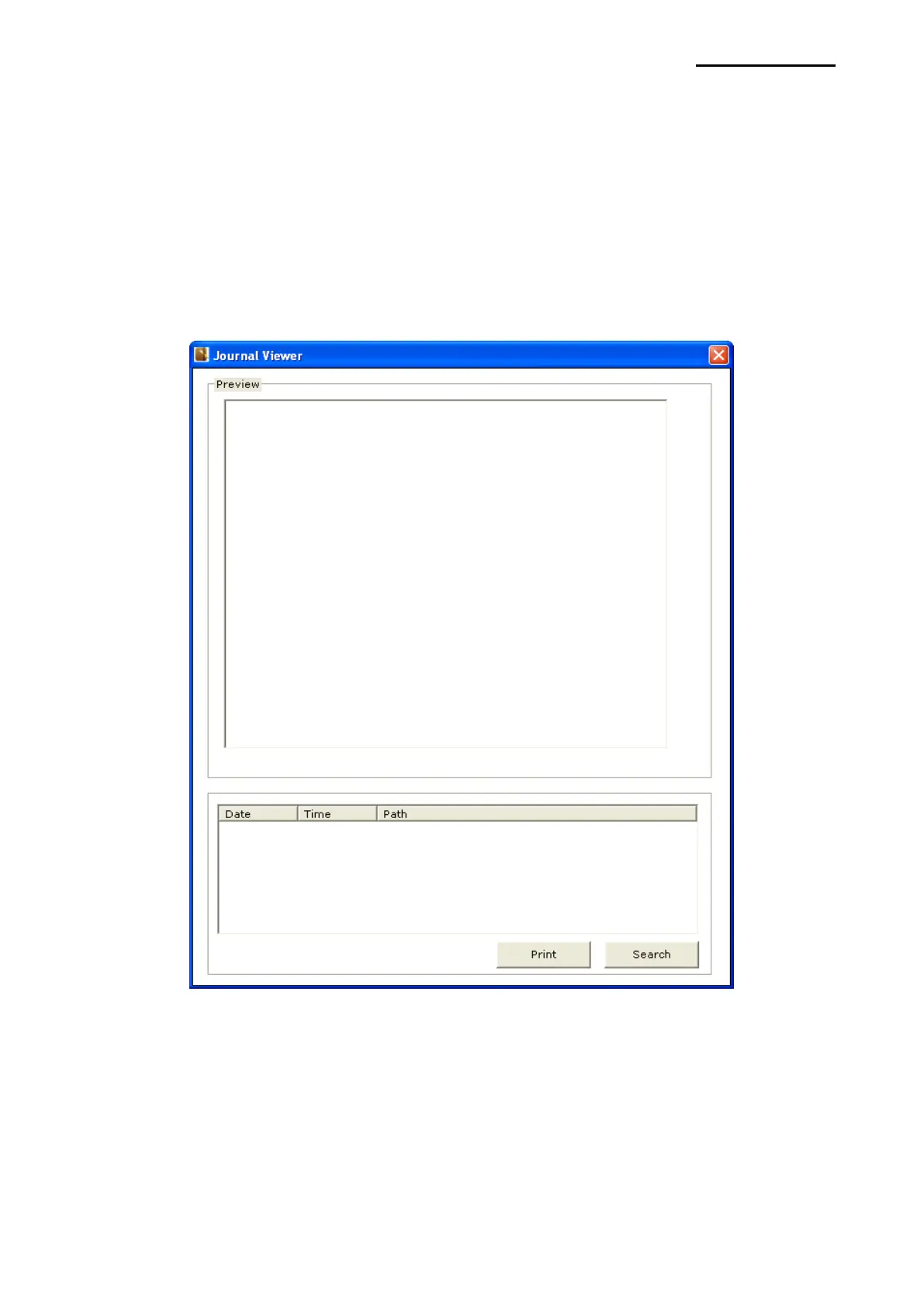
5-6-3 Journal Viewer
Journal is a function to save a copy of printed receipts. Copies can be saved without using
journal printer with this function. Journal saves each printed document in a file and the
saved file can be viewed by print and search data using this utility.
1) Tick “Enable Journal” to use Journal function.
2) Click “Journal Viewer”.
3) The following window will pop up.
4) Click “Search” and set “Start Date” and “End Date”.
5) Click “OK” to search the files created within the specified period.







 To Next Page