Installation Operating instructions iS10 / iS20
20 38019417000 en
4
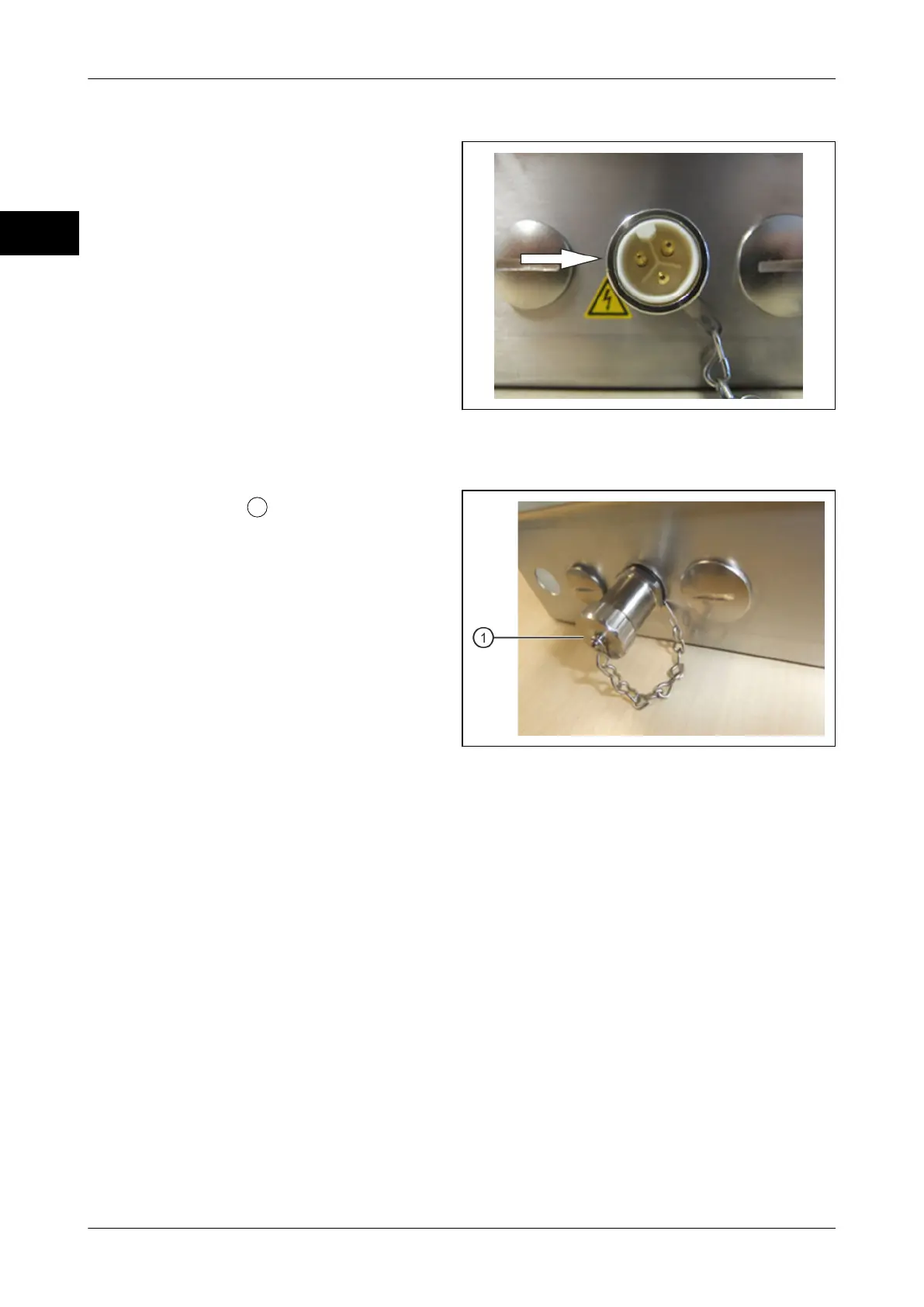
Device plug-in connector (housing variant: column, wall-mounted, remote)
The device plug-in connector for the power
cable is located on the back of the device.
Fig. 7: Device plug-in connector
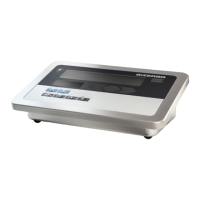
Protective cap
The protective cap
must be mounted to
the device plug-in connector if no power ca-
ble is connected to the device.
Fig. 8: Firmly screwed together protective
cap



 To Next Page