16
Operang Instrucons - BPS2000v2 Monitoring Power Distribuon Unit
f
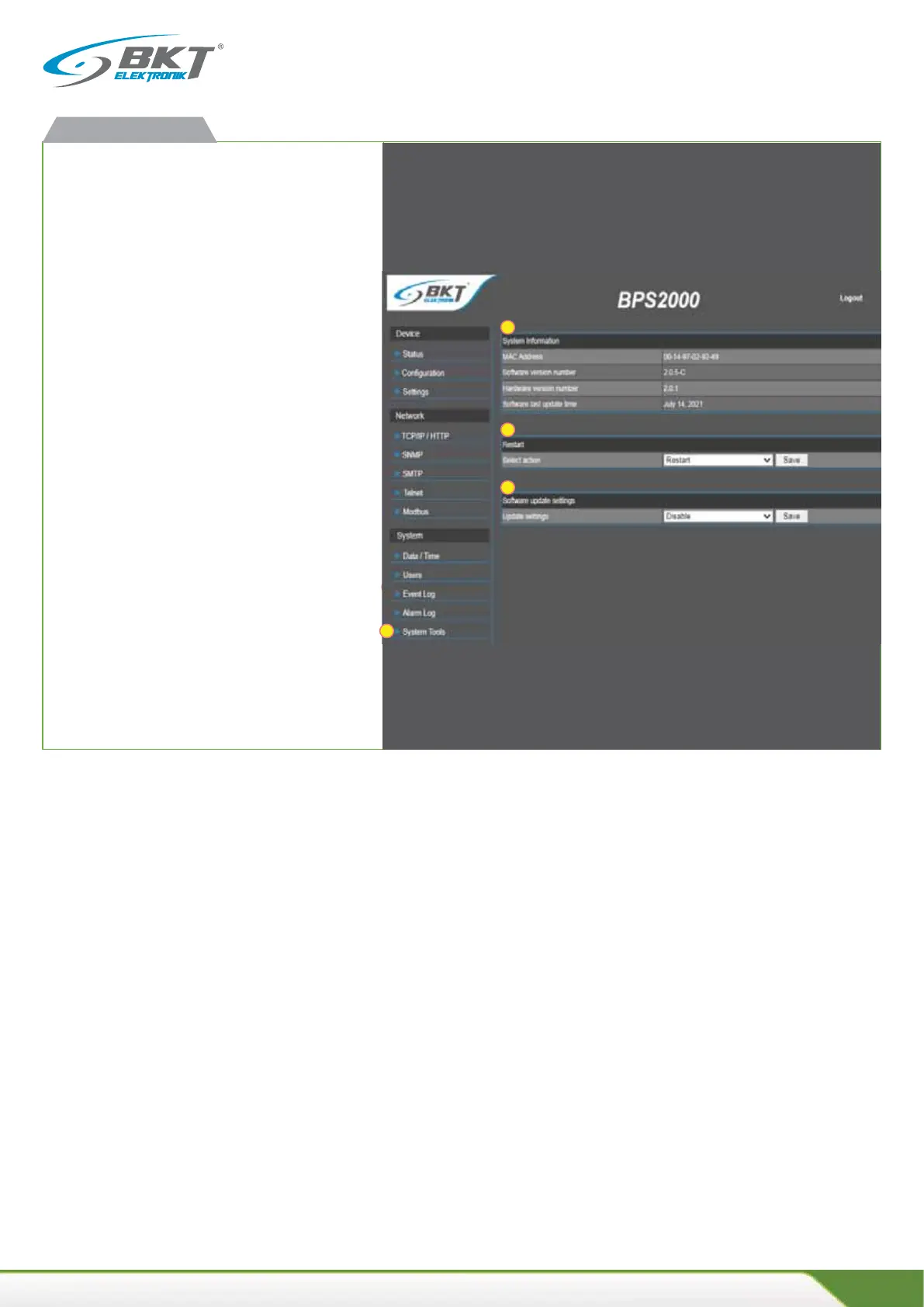
System tools
1. Device informaon
x Contains informaon on:
MAC address of the network card, soware version date of
last soware update.
x Restart (soware)
x Restarng the PDU to factory defaults
all configuraon data of the unit is cleared,
IP address of the unit returns to the default configuraon
192.168.0.163 a login/password to admin/admin
x Enable: update possible
x Disable: Update locked
An addional TFTP applicaon is required to perform the
update.
Details of how to perform the update are available in the so-
ware update chapter.
BPS2000v2 web interface
1
2
1
2
3



 To Next Page