46
Operang Instrucons - BPS2000v2 Monitoring Power Distribuon Unit
1
15. Unit BPS2000 soware update
In order to update the soware, you will need:
x PC with Windows operang system
x Ethernet port on the PC
x RJ45/RJ45 network cable
x Soware update tool using TFTP applicaon (e.g.:tp32)
x Soware update file
Before starng the soware update, follow these steps
15.1 Check that there is a stable Ethernet connecon between the computer and the BPS2000/BPS2500 unit
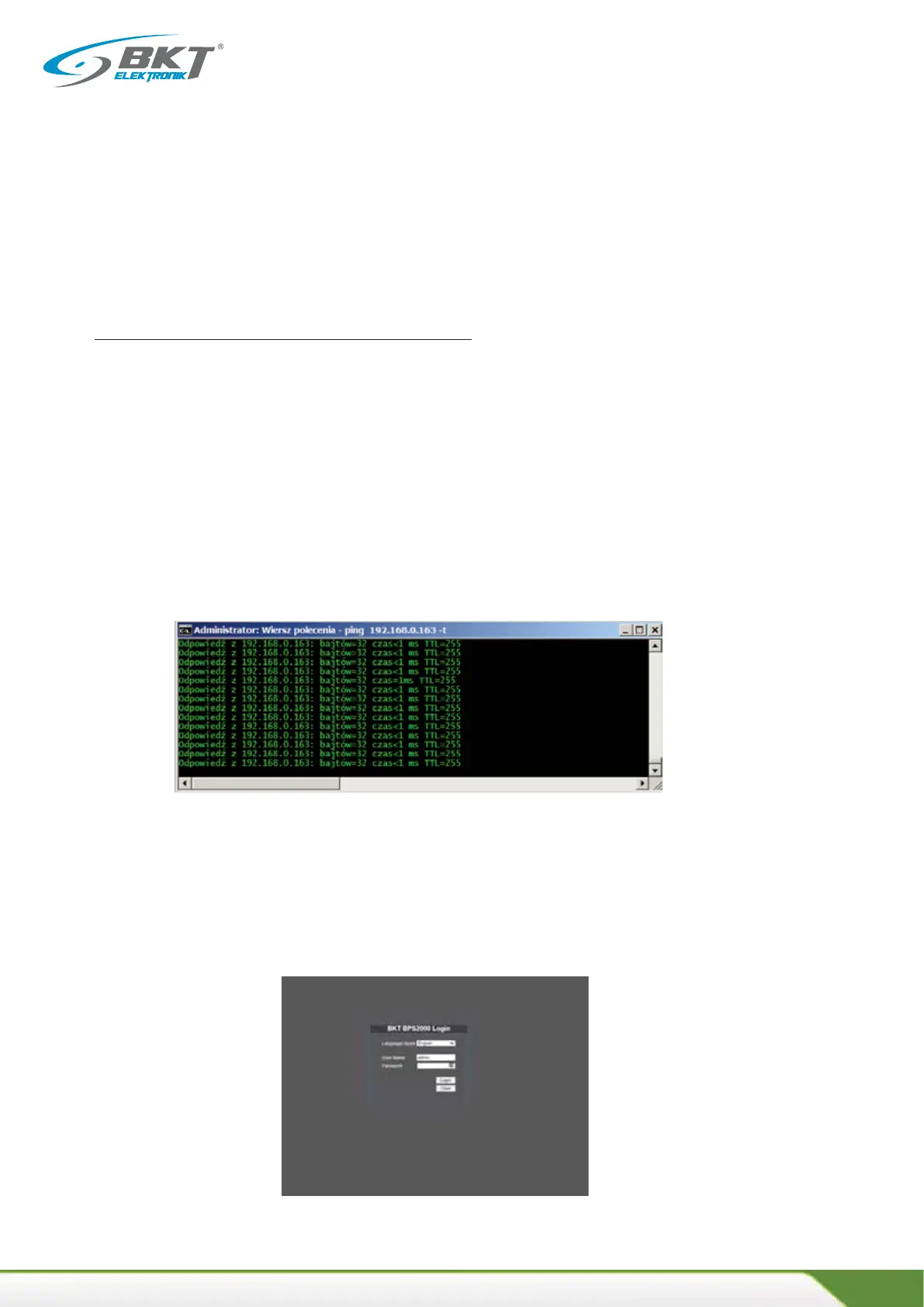
To do this, invoke a console window from the Windows operang system with the command "cmd"
Execute the ping command with the local address of the power strip BPS2000/BPS2500
A direct local connecon between the computer and the power unit is required, it is recommended that the
unit address be from the following numbering range
IP: 192.168.0.2-192.168.0.254, for this you can use the restart to factory sengs in the System Tools tab of the
BPS2000/BPS2500 unit management interface
The following screen confirms the availability of the BPS2000/BPS2500 on the local network.
15.2 Log in to the BPS2000/BPS2500 PDU by entering the unit's current IP address in a web browser, or via the
default IP address: 192.168.0.163
Default login credenals
User name: admin
Password: admin



 To Next Page