17
Operang Instrucons - BPS2000v2 Monitoring Power Distribuon Unit
8
8. Seng the unit BPS2000 to the factory configuraon
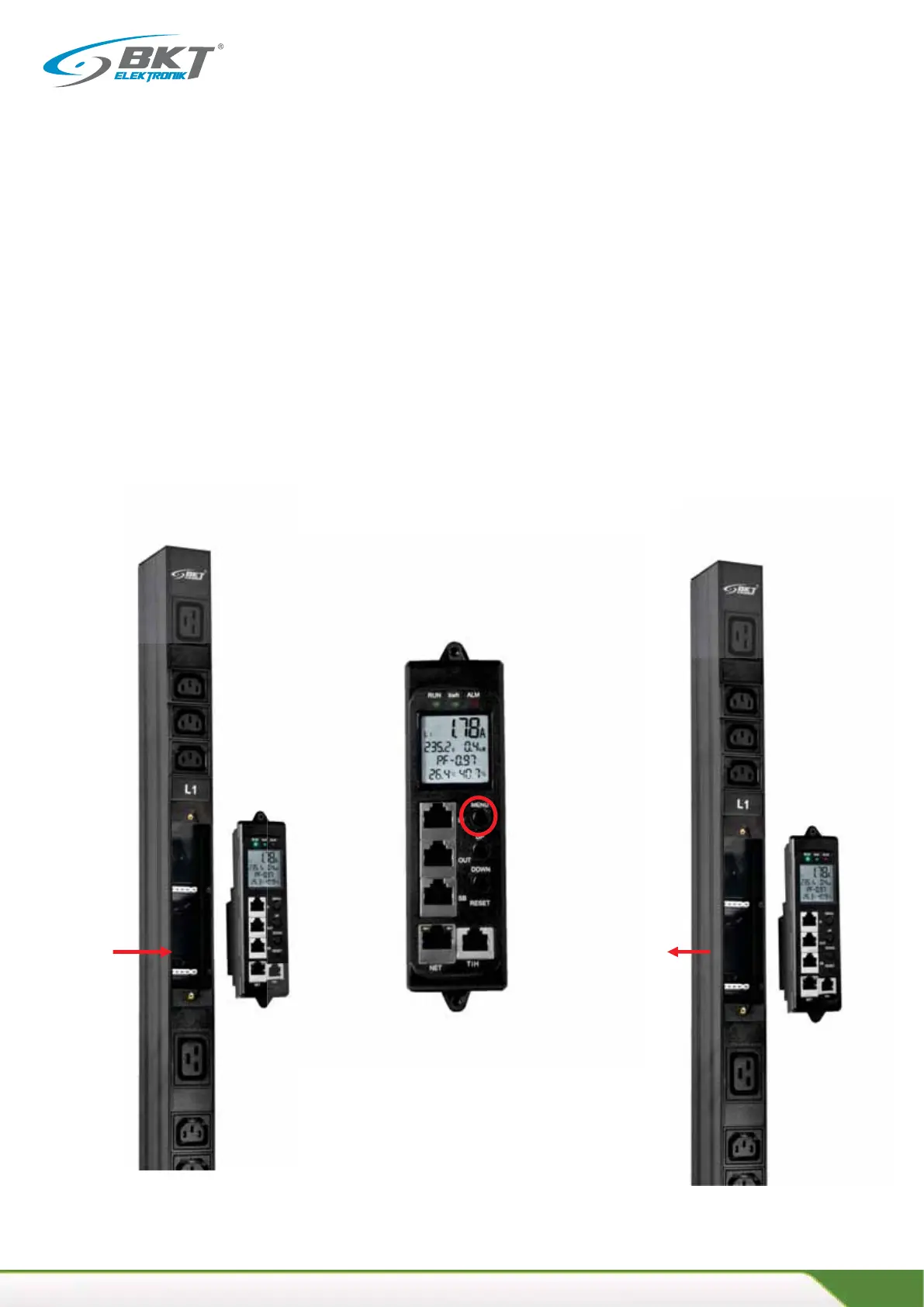
1. Unplug the unit power or remove the control module from the module slot on the BPS2000 unit.
2. Turn on the power and hold down the MENU buon at the same me.
3. Release the Menu buon aer 6 seconds.
4. The IP address will return to the factory sengs 192.168.0.163 with the default login/password: admin/
admin
Remove the control modu-
le from the PDU housing
Step 1
Hold down the Menu
buon for 6 seconds
Step 2
Reinsert the management module into
the unit housing rand elease the Menu
buon aer 6 seconds
Step 3



 To Next Page