How do I change my settings and options?
Do any of the following:
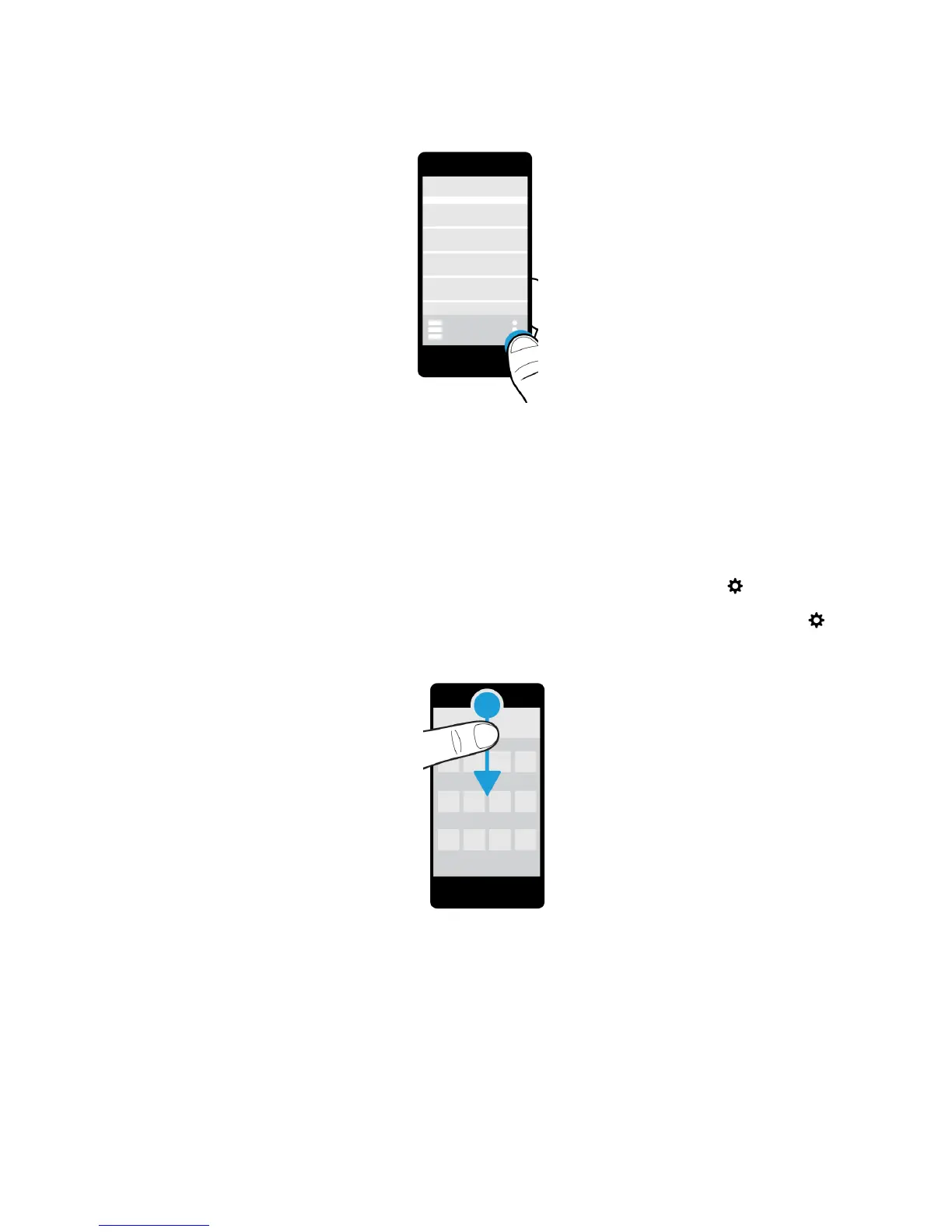
• To find the settings and help for an app, swipe down from the top of the screen.
• To find the settings for the device, on the home screen, swipe down from the top of screen. Tap Settings.
Note: In an app, to find the device settings, use two fingers and swipe down from the top of the screen. Tap
Settings.
User Guide Setup and basics
16















 To Next Page