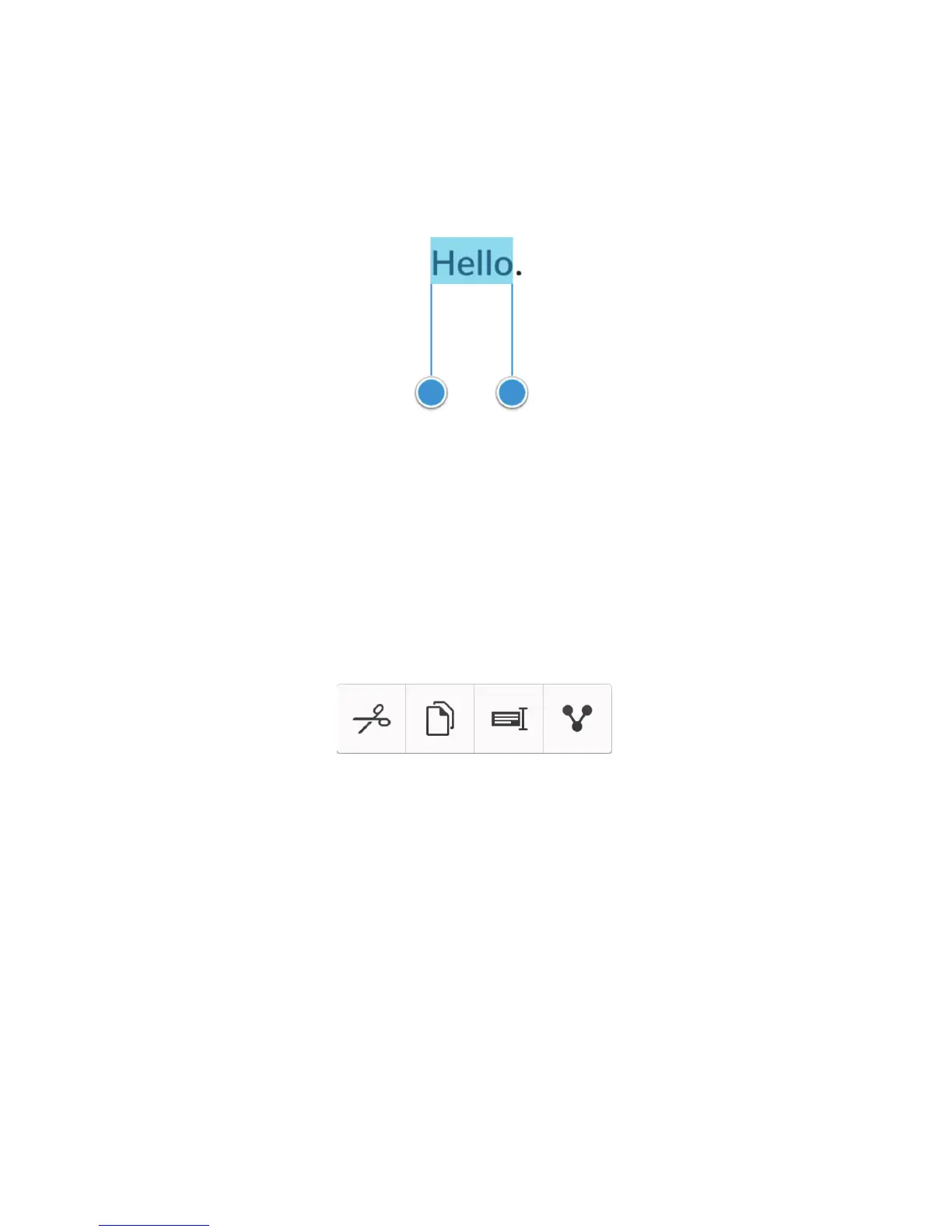
• To cancel your selection, tap anywhere on the screen.
• To change your text selection, drag the handles.
Move text
1. Touch and hold your finger on a word or in a text field.
2. Release your finger from the screen.
3. Tap an option.
Tip: If you aren't sure what a menu icon means, touch and hold the icon to see what it does. Slide your finger off the icon to
avoid selecting it.
Move the cursor
1. Tap a word or text field to show the cursor.
2. Do any of the following:
• To move the cursor to another spot, drag the circle.
• To move the cursor one character at a time, tap the top, bottom, left or right of the circle.
Tip
: Make sure that you place your finger on the outer part of the circle so that you can still see the cursor.
User Guide Setup and basics
19















 To Next Page