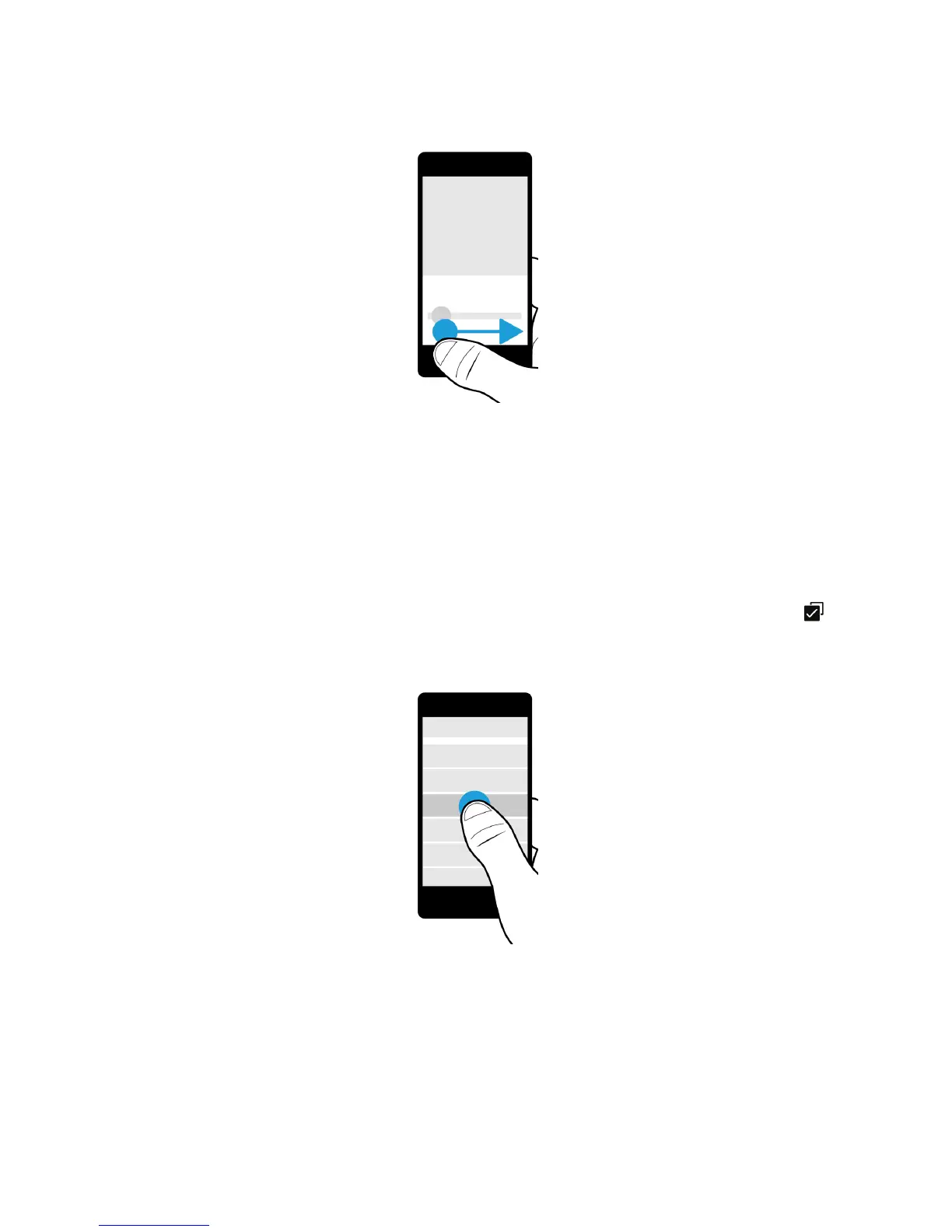
Select items
Do any of the following:
• To select an item, simply tap it. If the item can be opened, it opens.
• To highlight an item without opening it, touch and hold the item.
• To highlight multiple items, such as pictures or songs that you want to share, touch and hold one item. Tap and tap
more items. To clear an item, tap it again.
User Guide Setup and basics
30














 To Next Page