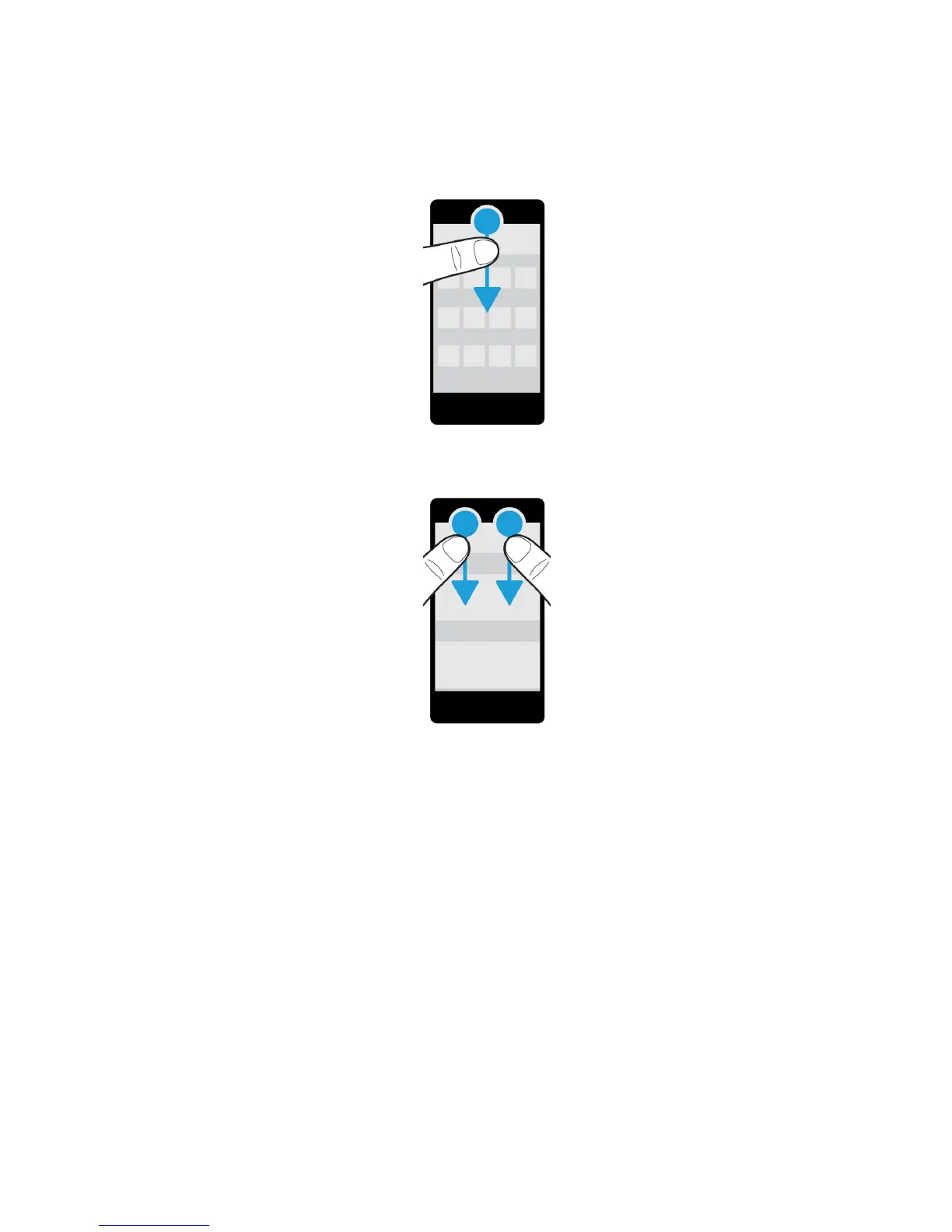
Note: In an app, to find the device settings, use two fingers and swipe down from the top of the screen.
Scroll and move between items
Slide your finger to scroll through a list, pan a webpage, or move between pictures.
Do any of the following:
• To scroll, slide your finger up and down.
User Guide Setup and basics
28















 To Next Page