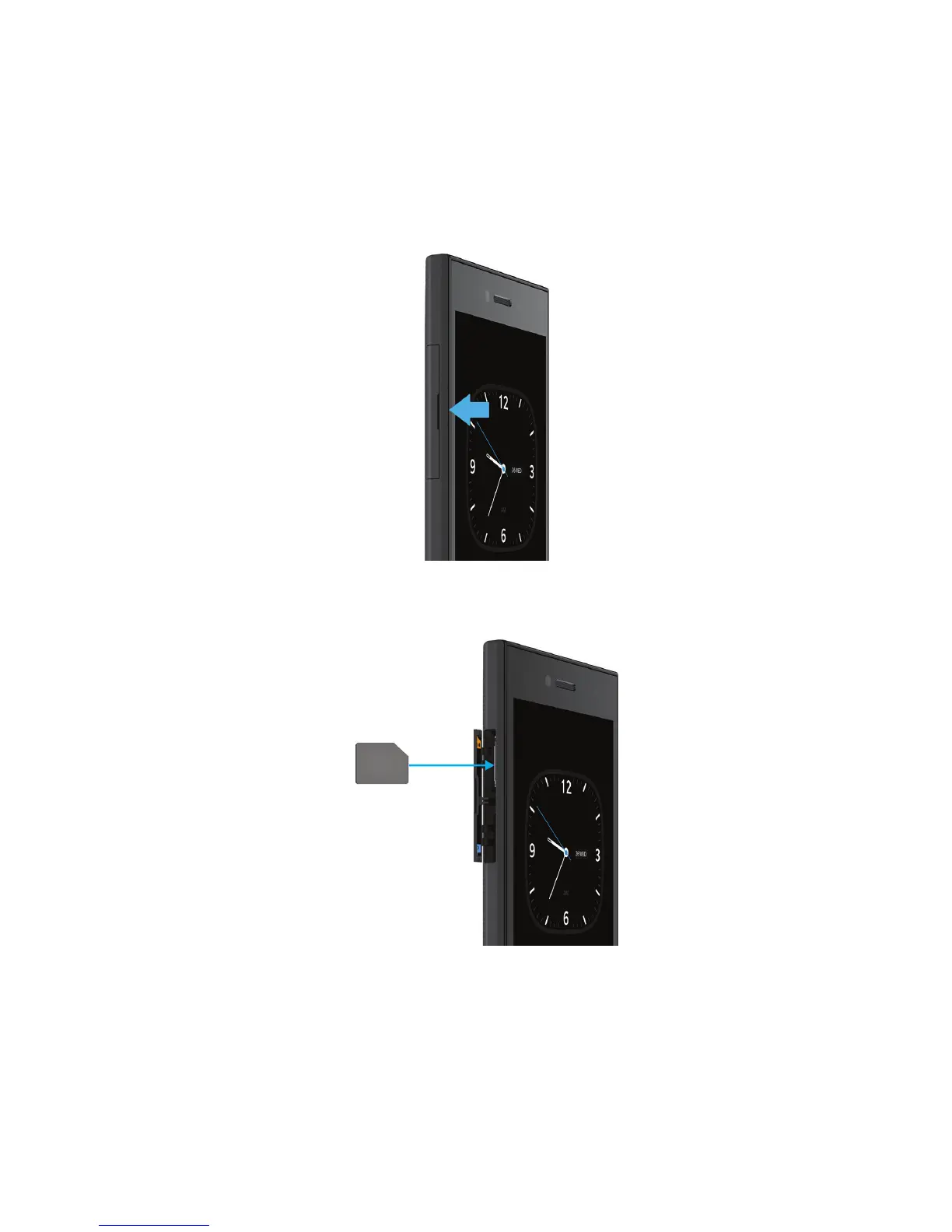
Depending on your service provider and where you purchased your BlackBerry device, the SIM card might already be
inserted.
1.
Open the door on the left side of your device.
2.
With the metal contacts facing away from you, insert the micro SIM card into the top slot as shown.
Insert a media card
1.
Open the door on the left side of your device.
User Guide Setup and basics
23














 To Next Page