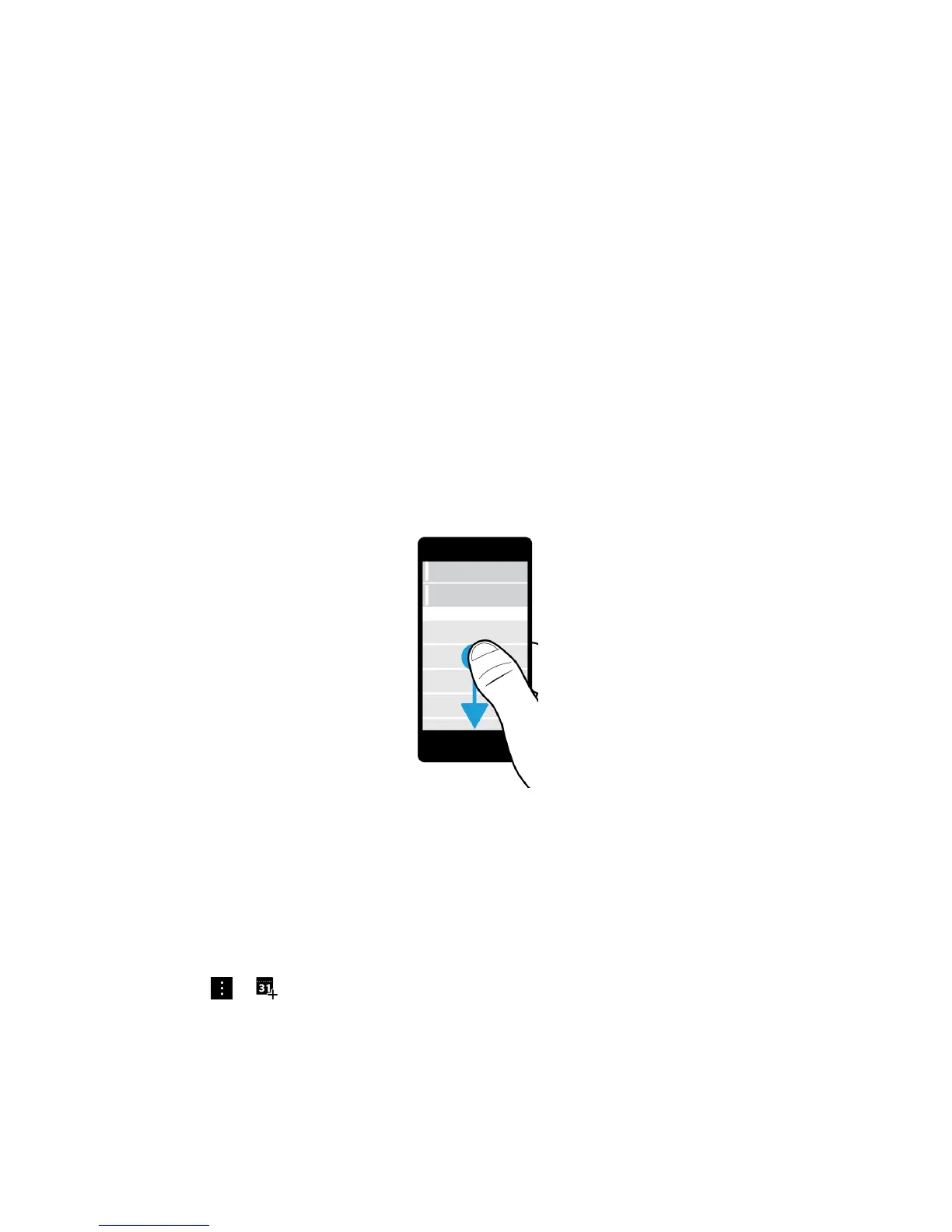
Jump to the next or previous message
1. In a message, slowly slide your finger from the left edge of the message to the right to peek at your list of messages.
2. While holding the message open, slide your finger up or down to highlight the next or previous message in the list.
3. To open the highlighted message, release your finger.
Check your upcoming events from the BlackBerry Hub
You can check your agenda in the BlackBerry Calendar app, but if you're already in the BlackBerry Hub, just stay where
you are.
At the top of your list of messages and notifications, where today's date appears, slowly drag down. Your upcoming events
start to appear. The more you drag, the more you see.
Create a meeting from an email
When you create a meeting or event from an email, your BlackBerry device populates the invitation with the subject line
from the email, and the recipients of the email become the invitees.
1.
In an email, tap > .
2. Enter any additional information for the meeting.
3. Tap Save.
User Guide BlackBerry Hub and email
84














 To Next Page