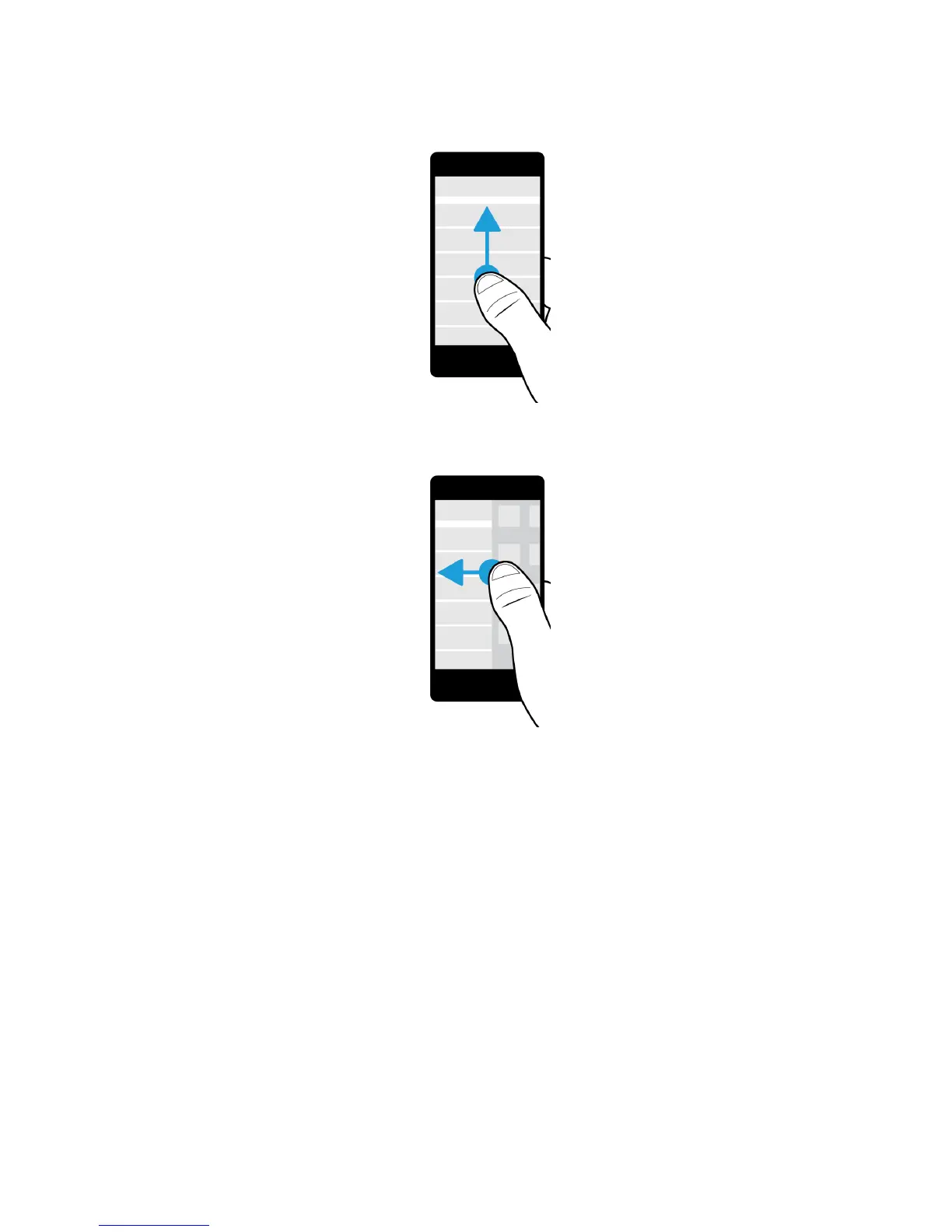
• To move between the BlackBerry Hub and your apps, slide your finger left and right.
Use a slider
If a slider appears on your screen, you can use the slider to progress through a file, such as a song or video, or scroll
through multiple pages, such as the pages of an eBook.
On the slider, drag the slider handle.
User Guide Setup and basics
29















 To Next Page